

Why Print-on-Demand Automation Is Critical in 2026
The Print-on-Demand (POD) industry is growing rapidly. From personalized photobooks and school yearbooks to custom merchandise and corporate gifting, customers now expect fast, seamless customization experiences.
But here’s the reality:
Most print businesses still operate with:
- Manual artwork adjustments
- Back-and-forth customer approvals
- Designer-heavy workflows
- Time-consuming order processing
This limits scalability.
If you’re a print owner, first-time POD founder, or e-commerce decision-maker evaluating automation tools, the question isn’t:
“Should we automate?”
It’s:
“What should we automate first?”
Because automating the wrong areas can increase complexity instead of reducing it. Let’s break it down.
The Growth of Print-on-Demand
Research shows that the global print-on-demand market will be worth USD 12.39 billion in 2025 and is expected to grow to USD 75.30 billion by 2033, with a growth rate of 25.3% per year. This shows that the POD industry is growing very fast, making it the perfect time to improve and scale your print-on-demand business using automation.
If you are still evaluating the model itself, read Is Print on Demand Worth It in 2026 before deciding how much automation your business needs.
What is Print-on-Demand Automation?
Print-on-demand automation refers to using software and digital tools to manage the entire order lifecycle automatically — from order placement to production and delivery.
When a customer places an order:
- The system automatically receives the order
- Print-ready files are generated instantly
- Orders are routed to production or suppliers
- Printing, packaging, and shipping are processed efficiently
- Customers receive real-time tracking updates
Automation minimizes manual intervention, reduces errors, and allows businesses to scale without increasing operational complexity.
Why Automation Is Important for Print On Demand Businesses
Running a successful POD business today requires speed, accuracy, and scalability. Manual workflows often lead to delays, higher costs, and inconsistent customer experiences.
Automation helps businesses:
- Handle higher order volumes effortlessly
- Reduce operational costs
- Deliver faster turnaround times
- Improve customer satisfaction
- Adapt quickly to market changes
What to Automate First in Your Print-on-Demand Business
The smartest print on demand business automation strategy focuses on areas that:
- Reduce manual workload
- Improve customer experience
- Increase order accuracy
- Enable scalable growth
Here are the top priorities.
1. Automate Product Customization (Web-to-Print Designer)
The #1 Priority for Print On Demand Automation
The biggest bottleneck in any POD business is manual design handling.
Typical scenario:
- The customer sends photos via WhatsApp
- The team recreates the design.
- Customer requests changes
- Designer edits again
- Multiple revision loops
This is not scalable. So, how can you automate print on demand and take control?
What You Should Automate
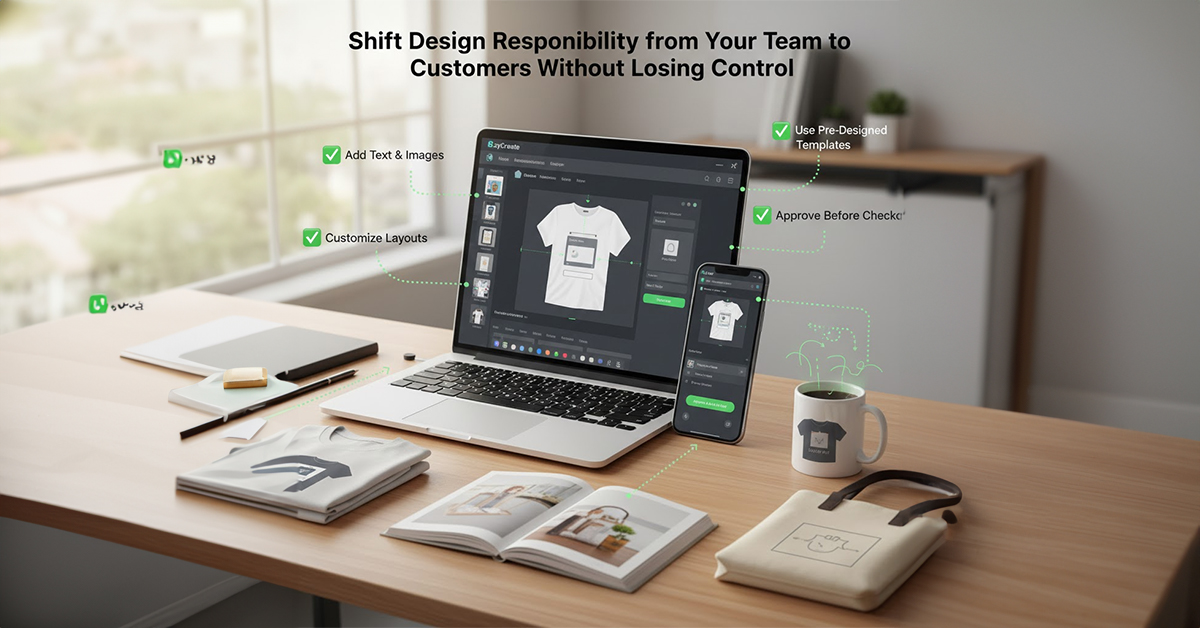
Implement a live web-to-print product designer on your website.
Allow customers to:
- Add text and images
- Use pre-designed templates
- Customize layouts
- Preview final output
- Approve design before checkout
This shifts design responsibility from your team to the customer — without sacrificing control.
How EzyCreate Helps
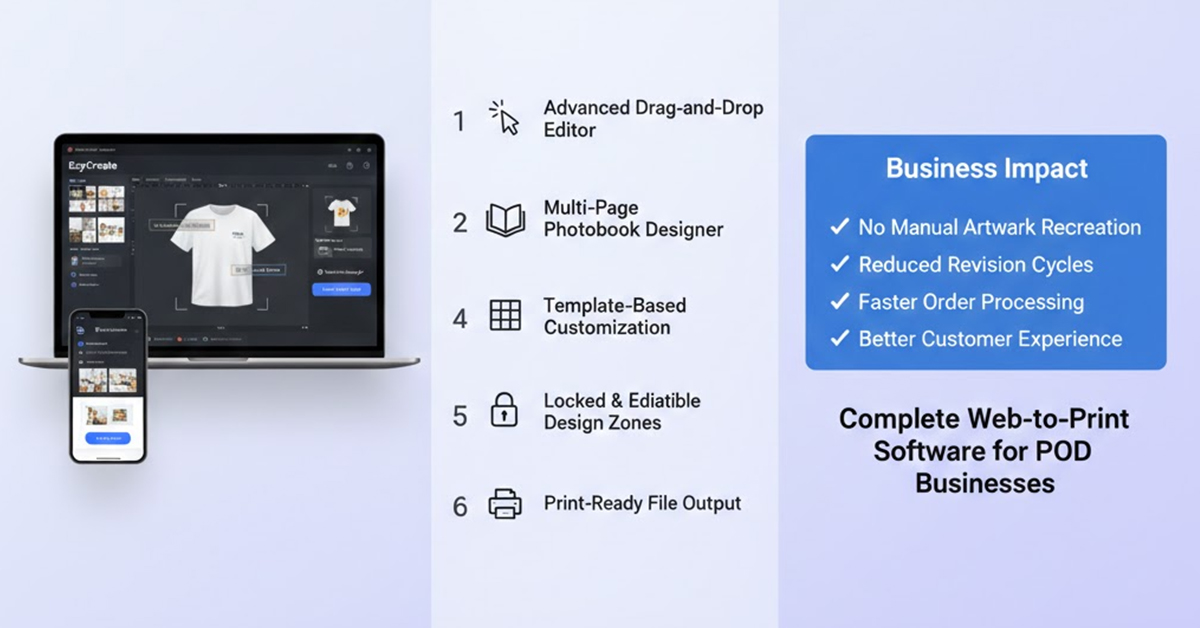
EzyCreate’s Product Suite (including Photobook Designer & Product Customiser) print on demand automation tool provides:
- Advanced drag-and-drop editor
- Multi-page photobook design capabilities
- Template-based customization
- Locked & editable design zones
- Real-time preview
- Print-ready file output
This means:
- No manual artwork recreation
- Reduced revision cycles
- Faster order processing
- Better customer experience
EzyCreate acts as a complete web-to-print software solution for POD businesses.
2. Automate Order-to-Print Workflow
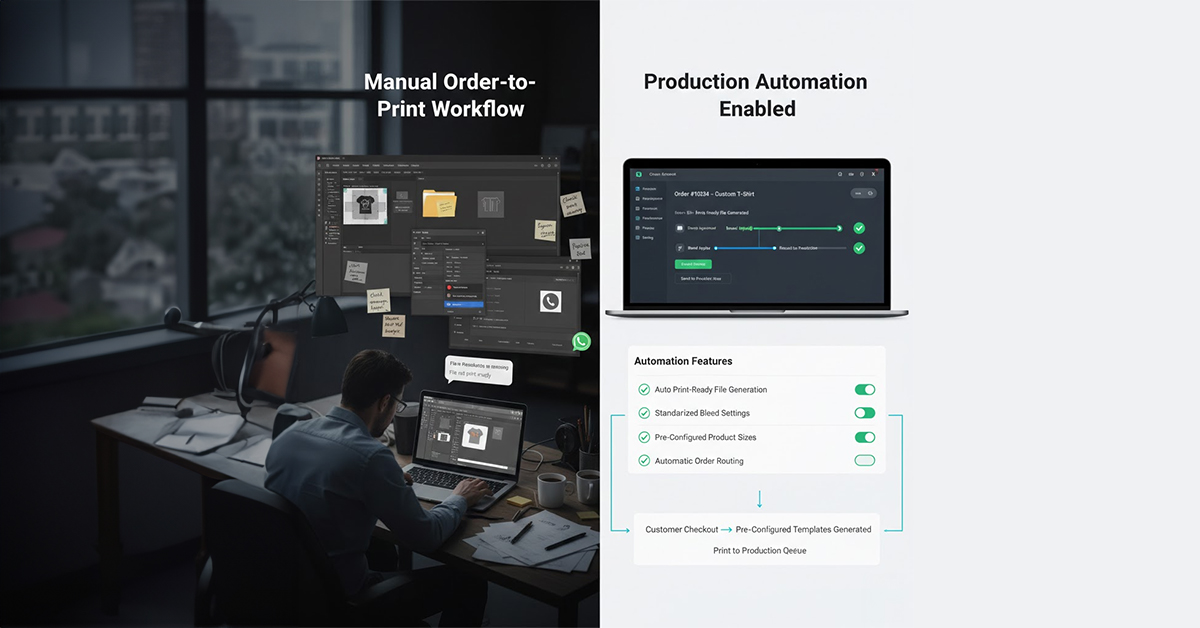
Once customers design their products online, the next bottleneck is internal production. This is especially important for businesses trying to scale a print-on-demand business without hiring more designers.
The Manual Problem
After checkout:
- The team downloads files
- Adjusts bleed and margins
- Checks resolution
- Converts to print-ready format
- Sends to production
This creates:
- Errors
- Delays
- Dependency on skilled designers
What to Automate
- Automatic print-ready file generation
- Standardized bleed settings
- Pre-configured product sizes
- Order routing to production
How EzyCreate Streamlines Production
Ezycreate automatically:
- Generates print-ready PDFs
- Applies correct margins & layouts
- Standardizes product configurations
- Reduces file preparation time
Your team no longer manually prepares artwork — the system does it, leading to:
- Faster turnaround
- Reduced operational cost
- Improved production accuracy
3. Automate Template Management for Scalable Growth
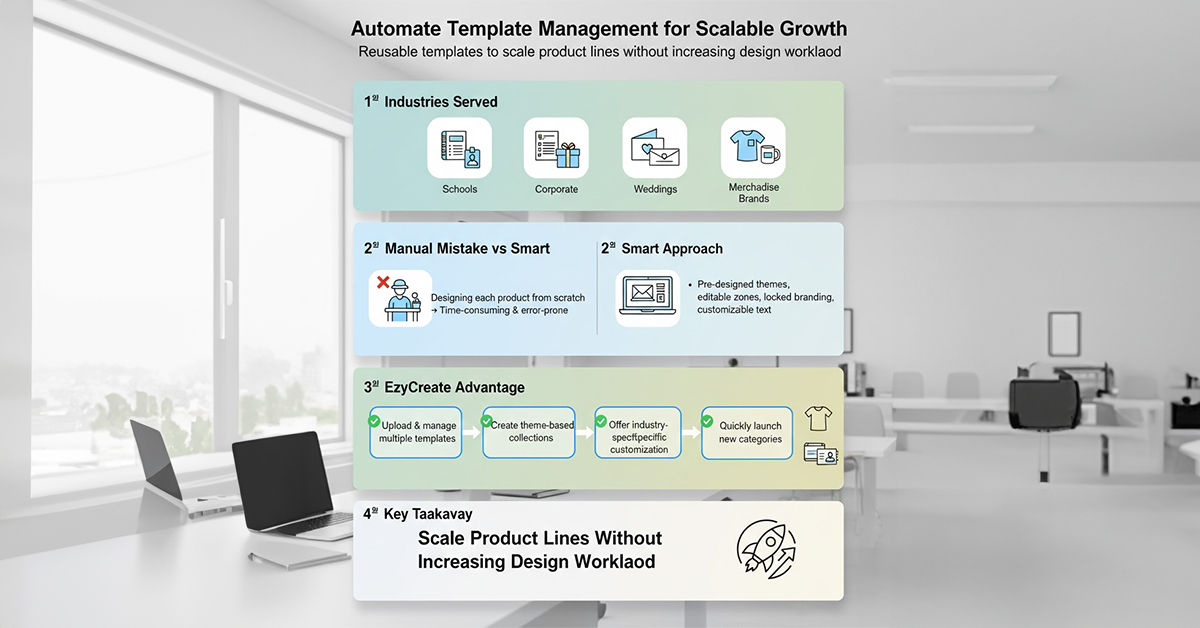
If you’re targeting:
- Schools (yearbooks, ID cards)
- Corporates (annual reports, gifting)
- Wedding industry (albums, invitations)
- Merchandise brands
You need reusable templates.
The Manual Mistake
Designing each product from scratch.
The Smart Approach
Create structured templates:
- Pre-designed themes
- Editable photo zones
- Locked branding areas
- Customizable text sections
EzyCreate Advantage
With EzyCreate, you can:
- Upload and manage multiple templates
- Create theme-based collections
- Offer industry-specific customization
- Quickly launch new categories
This helps founders scale product lines without increasing design workload.
4. Automate Product Variations and Pricing Logic
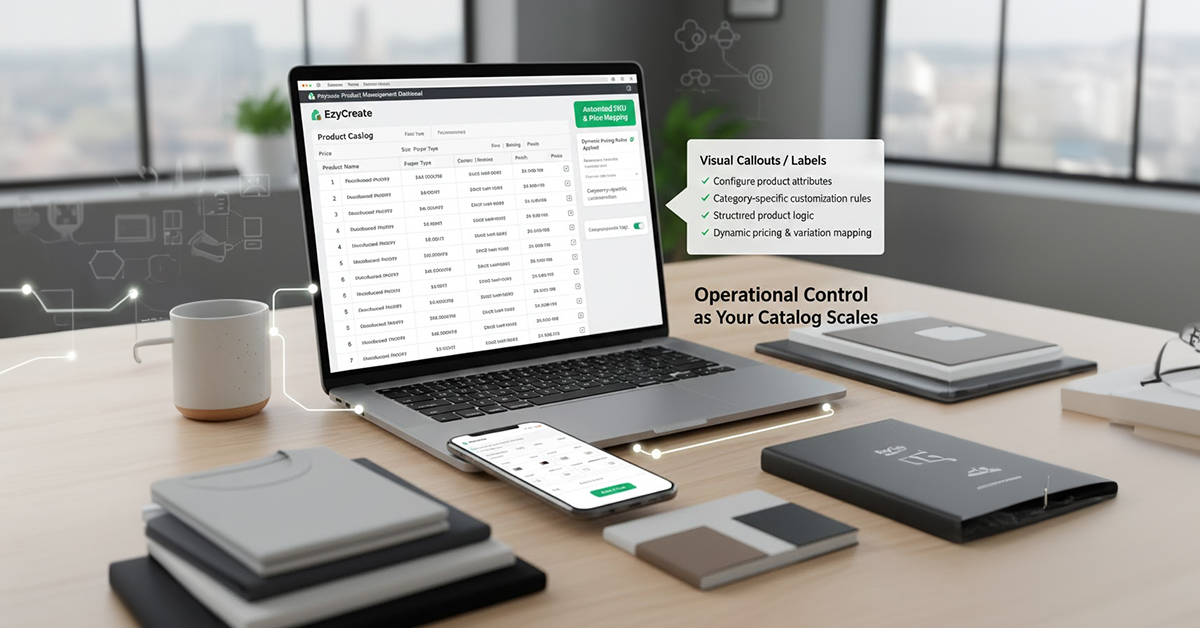
As your catalog grows, managing:
- Sizes
- Paper types
- Covers
- Binding styles
- Finishes become complex
Automation Needed
- Dynamic pricing
- Variation-based design areas
- SKU mapping
With EzyCreate
You can configure:
- Product attributes
- Category-specific customization rules
- Structured product logic
This ensures operational control as your business expands.
What NOT to Automate First in Print On Demand
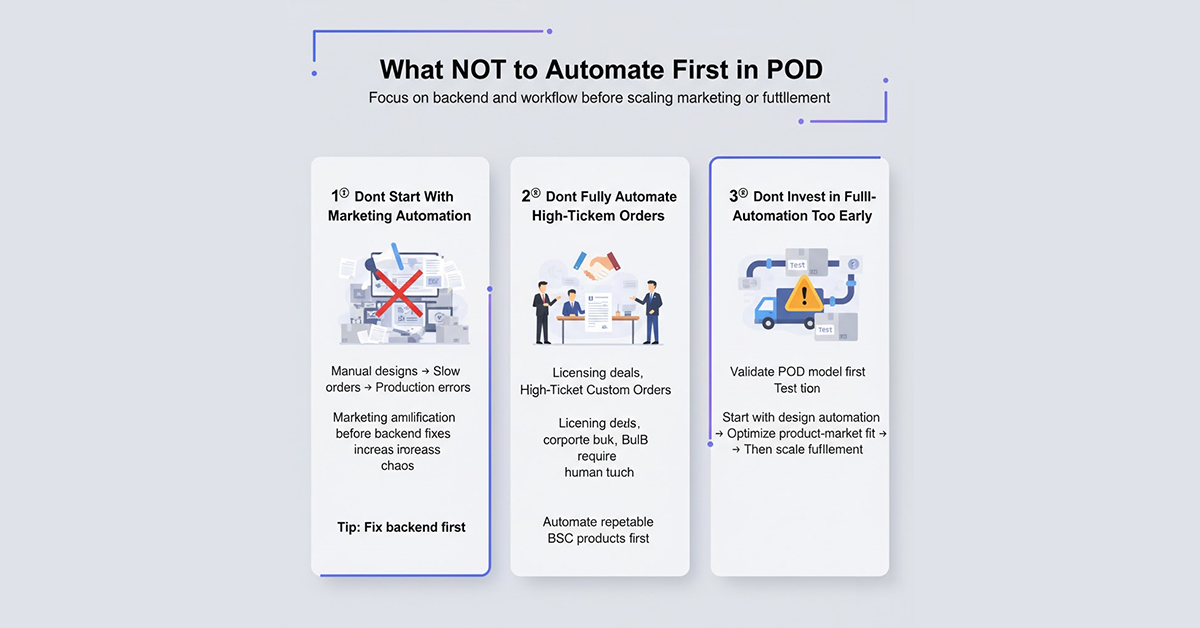
Print-on-demand automation should be approached strategically. Here’s what you should avoid automating initially:
1. Don’t Start With Marketing Automation
Automating ads and email flows before fixing your workflow only increases chaos. If:
Designs are manual
Orders are slow
Production has errors
Marketing will amplify operational problems. Fix the backend first.
2. Don’t Fully Automate High-Ticket Custom Orders
For corporate bulk deals, licensing agreements, and custom B2B projects, human negotiation is often required. These orders need flexibility and a personal touch.
Automate repeatable B2C products first, such as photobooks, gifts, and merchandise, where customization is more straightforward.
3. Don’t Invest Heavily in Fulfillment Automation Too Early
When validating your POD model:
- Start with design automation (product customization tools)
- Test demand
- Optimize your product-market fit
Once you have streamlined your product and design workflows, then scale fulfillment automation.
A Practical Automation Roadmap for Print On Demand Founders
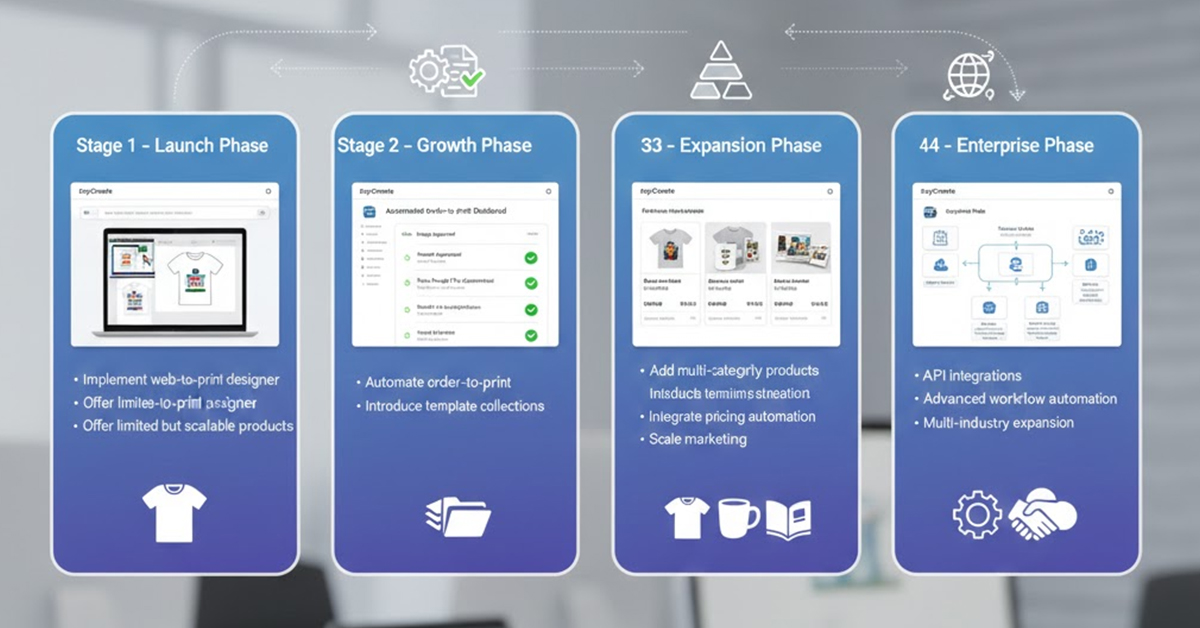
Stage 1 – Launch Phase
- Implement web-to-print designer
- Offer limited but scalable products
Stage 2 – Growth Phase
- Automate order-to-print
- Introduce template collections
Stage 3 – Expansion Phase
- Add multi-category products
- Integrate pricing automation
- Scale marketing
Stage 4 – Enterprise Phase
- API integrations
- Advanced workflow automation
- Multi-industry expansion
Why EzyCreate is Ideal for Print Business Automation
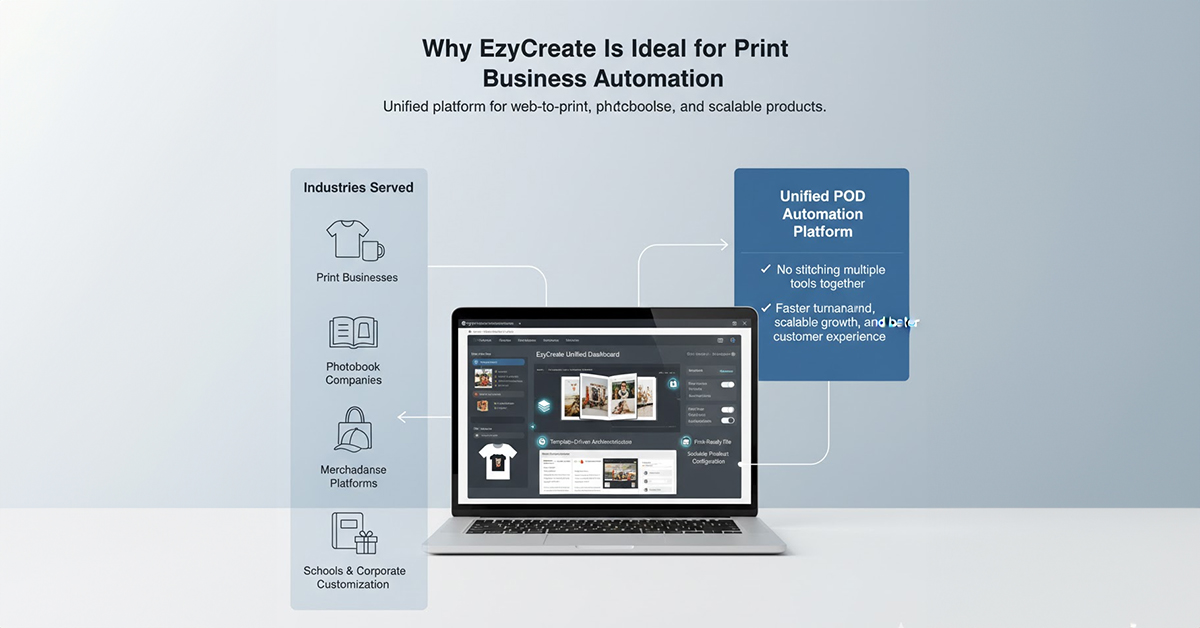
EzyCreate is built specifically for:
- Print businesses
- Photobook companies
- Merchandise platforms
- Schools & corporate customization
It combines:
- Web-to-Print technology
- Multi-page Photobook Designer
- Template-driven architecture
- Print-ready output automation
- Scalable product configuration
Instead of stitching multiple tools together, EzyCreate provides a unified POD automation platform.
Real Business Impact of Print On Demand Automation
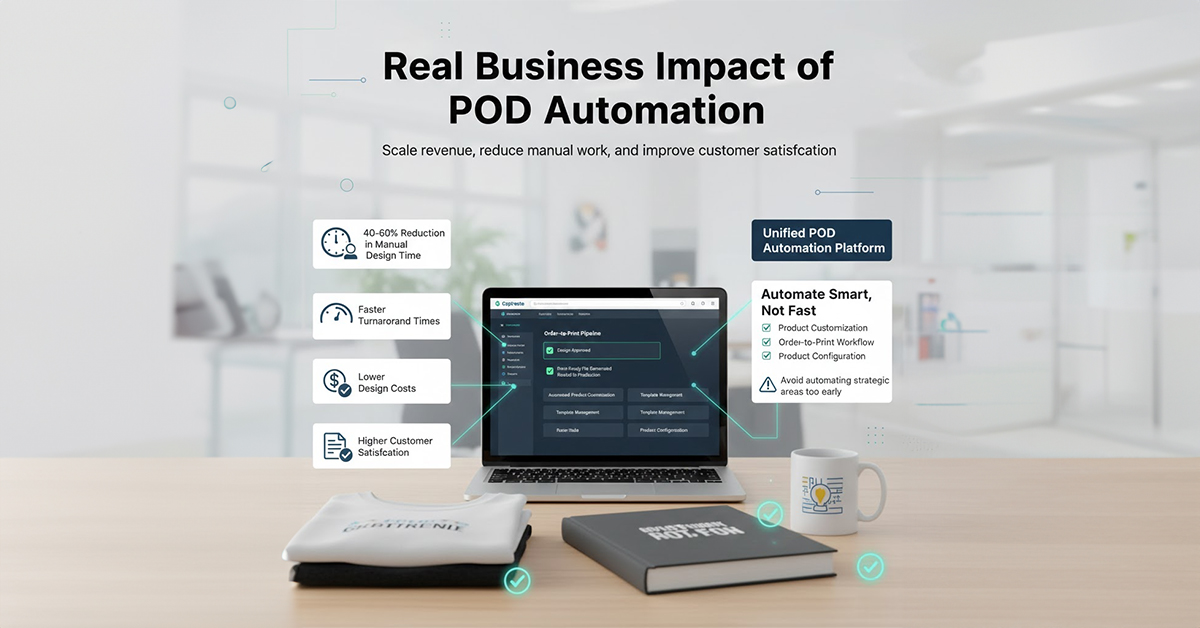
Businesses implementing structured automation report:
- 40–60% reduction in manual design time
- Faster turnaround times
- Lower design costs
- Increased order accuracy
- Higher customer satisfaction
Most importantly, you can scale revenue without scaling headcount.
Final Thoughts: Automate Smart, Not Fast
Print-on-demand automation is not about replacing your team. It’s about eliminating bottlenecks. Start by automating:
✔ Product customization
✔ Order-to-print workflow
✔ Template management
✔ Product configuration
Avoid automating areas that require strategic flexibility early on. If you’re evaluating print-on-demand automation software, EzyCreate provides the right foundation to build a scalable, profitable customization business.
Ready to Automate Your Print Business?
If you’re a print owner or founder exploring Print On Demand automation, schedule a demo with EzyCreate to see how our Product Suite can streamline your customization workflow and accelerate growth.
FAQs: Print-on-Demand Automation
1. Is automation a good fit for small or startup Print-on-demand businesses?
Yes, automation helps small print-on-demand businesses scale without extra staff by streamlining tasks like design, order processing, and production.
2. What common pitfalls should be avoided when automating print on demand?
Avoid automating marketing too early, fully automating custom orders, and rushing automation before testing your product-market fit.
3. Can automation be used across multiple sales channels in print on demand?
Yes, automation can manage multiple storefronts and streamline tasks like customization, order routing, and production on various platforms.
4. How does automated artwork creation work in print on demand?
Automated artwork creation lets customers design products using a web-to-print tool, and the system generates print-ready files automatically.
5. How can I automate print on demand processes?
Start by integrating a web-to-print designer on your site and using automation tools like EzyCreate for order processing and production.
6. What steps are needed to fully automate a print-on-demand business?
To fully automate, use web-to-print software, automate order-to-print workflows, and standardize templates and product configurations.