
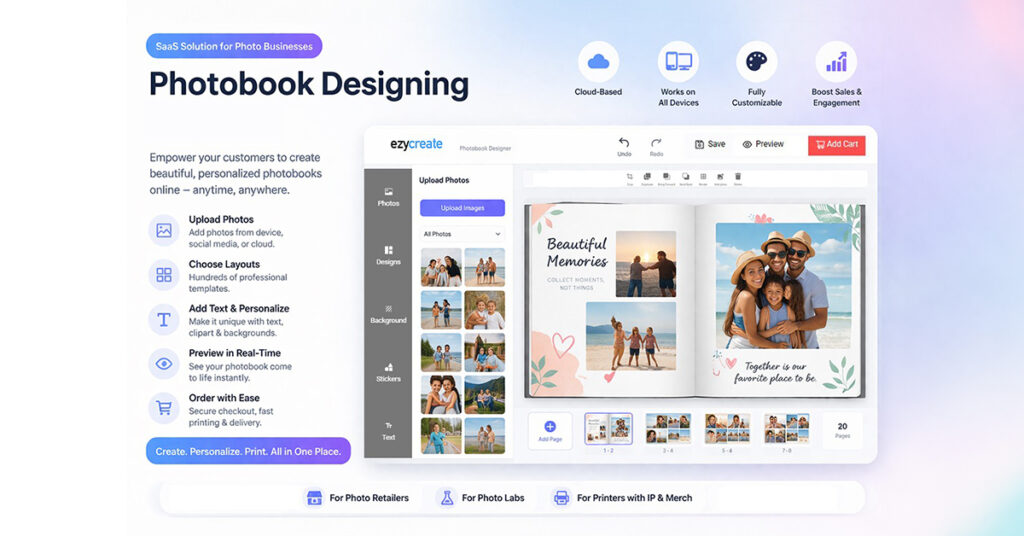
Choosing the best photo album software can shape how customers experience your brand and how smoothly your business runs behind the scenes. Today, buyers expect to create beautiful albums quickly, on any device, and without needing advanced design skills. That is why more businesses are moving toward modern album maker software and SaaS-based design tools that reduce friction from creation to checkout.
A strong photobook design software platform is not just a creative editor. It is a business tool that helps print companies, photo labs, photographers, and e-commerce brands offer a better buying journey while keeping production smooth. The right solution supports everything from album creation to fulfillment with real-time previews, store integrations, and print-ready output.
EzyCreate presents its platform as an online photo album software solution that allows customers to create personalized albums using images, text, layouts, and themes directly in a browser without installation. For businesses, this makes the ordering process easier, improves customer experience, and supports faster scaling.
Why Businesses Need Better Photobook Software
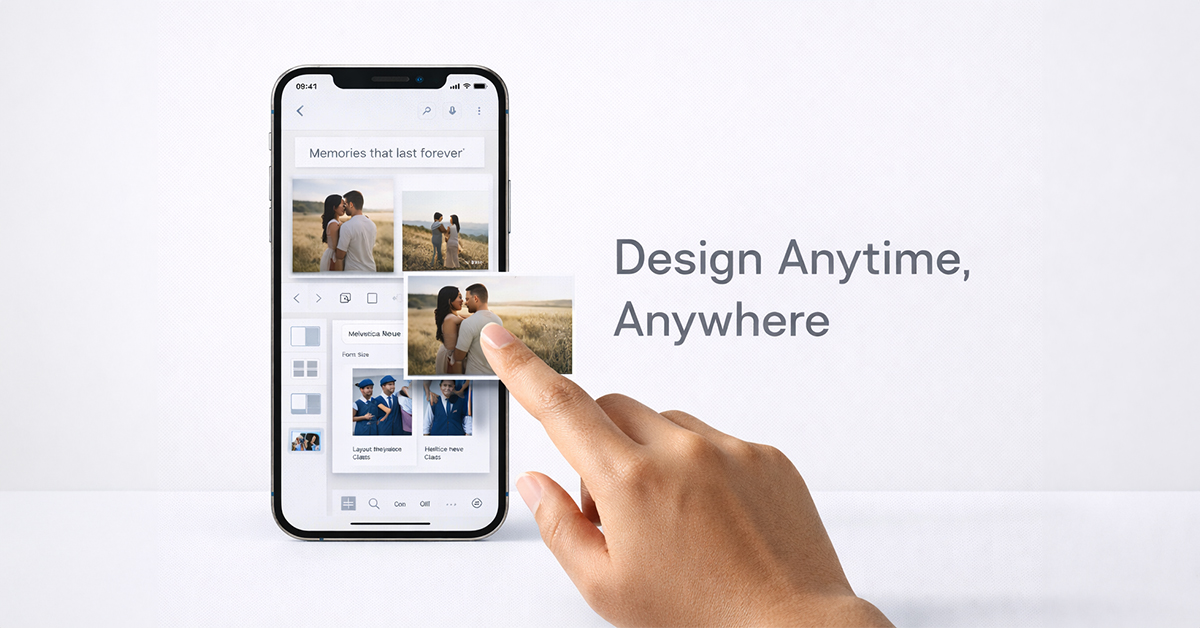
Many customers begin album projects with excitement but give up when the tool feels too slow, too complex, or too time-consuming. In most cases, the problem is not the product. The problem is the creation experience.
That is why the best photo album software should help users move from uploaded photos to a ready-to-order album with minimal effort. If the editing journey feels simple, customers are more likely to complete their purchase.
For businesses, smoother creation flows can improve conversion rates, reduce support dependency, and lower the chances of production mistakes. Better photobook software makes the customer journey easier while also making internal workflows more efficient.
What Makes the Best Photo Album Software?
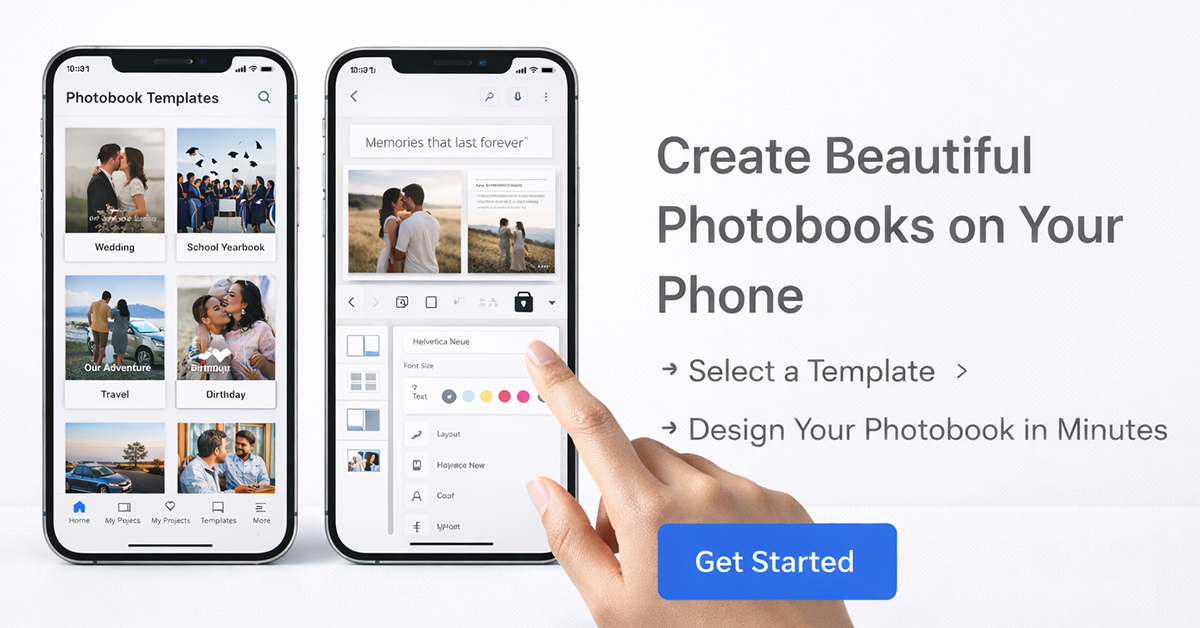
The best photo album software is the one that balances creativity with speed. It should let users personalize albums easily while also supporting your business workflow from order placement to production.
A strong digital photo album software solution should include:
- easy drag-and-drop layouts
- ready-made templates
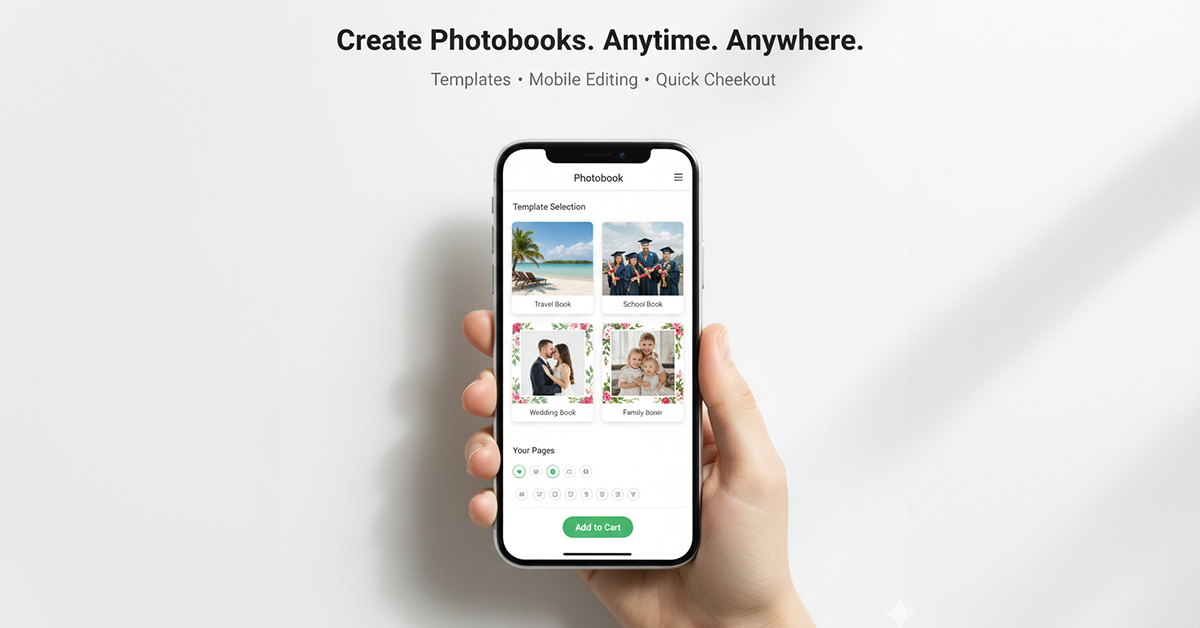
- mobile-friendly editing
- cloud-based saving and resume options
- real-time preview
- print-ready file output
- white-label branding
- website and e-commerce integration
- automation for order processing and production routing
These are not just useful extras. They are core features for businesses that want to offer a better customer experience and reduce manual work. The best photo album design software should make album creation simple for customers while keeping the output accurate and production-ready for your team.
Why SaaS Photobook Design Software Is a Smarter Choice
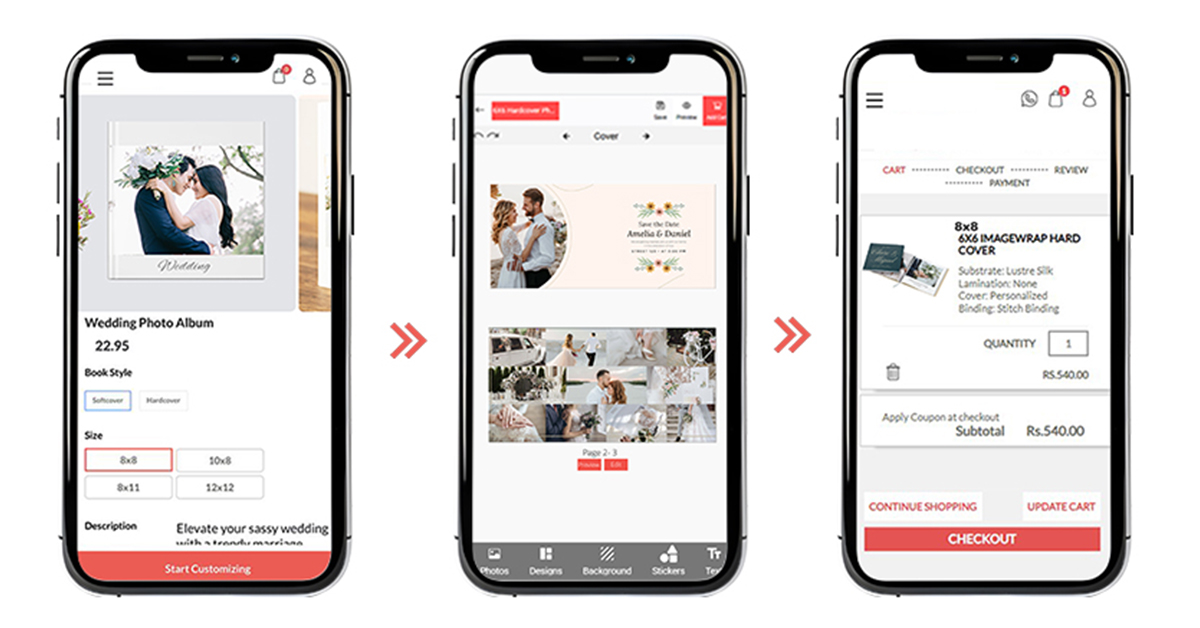
Traditional desktop tools can still work for internal design teams, but SaaS photobook software is often a better choice for businesses that want customers to create and order directly online.
Online photo album software works fully in a web browser, requires no installation, and supports desktop, tablet, and mobile use. It can also connect with platforms such as WordPress, Drupal, Shopify, WooCommerce, and custom stores.
That is what makes SaaS photobook software a smarter choice for growing businesses. Instead of building a complicated editor from scratch, businesses can launch a branded album experience faster and focus on selling.
The best photo album maker software also includes white-label branding, reusable page layouts, customizable UI, analytics dashboards, and print-ready outputs. This is especially important for businesses looking for white-label photobook software that supports brand control without heavy development costs.
Key Features to Look for in Photobook Design Software
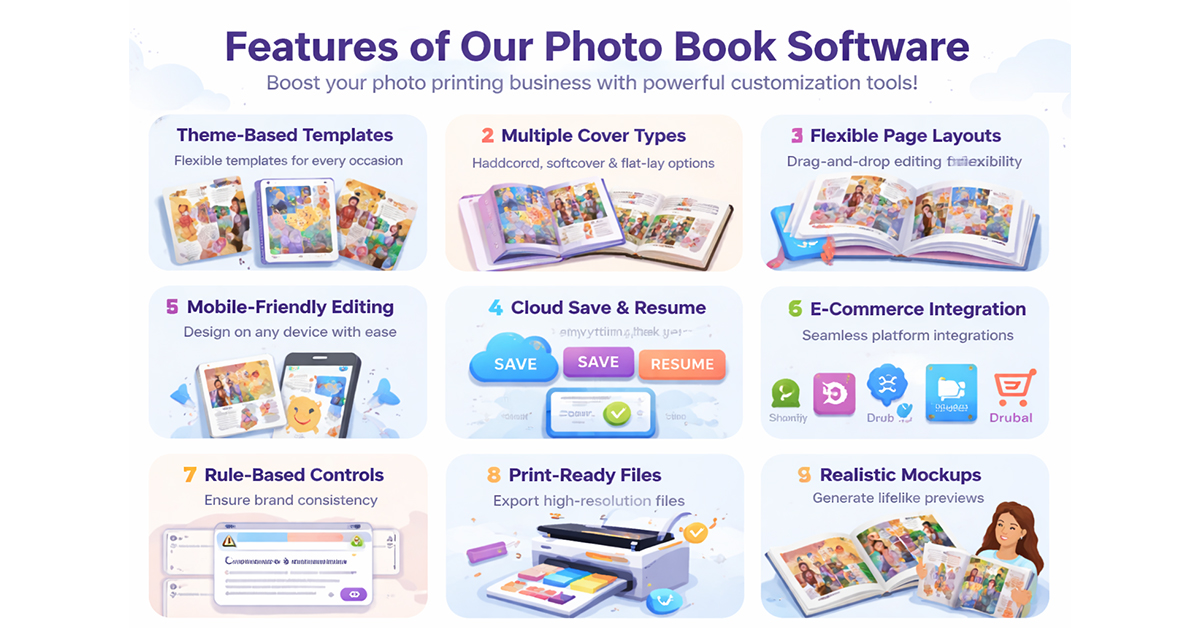
1. Easy Creation for End Users
A strong photo album program should be simple enough for first-time users. Pre-designed templates, auto layouts, intuitive navigation, and easy editing controls reduce drop-off and make album creation feel faster.
2. Multi-device editing
Modern customers want to start on mobile and finish on desktop, or the other way around. That is why the best digital photo album software should support responsive editing across devices.
3. White-label branding
If you are selling under your own brand, your software should feel like part of your business. White-label photobook software helps brands use their own logo, colors, domain, and customer journey instead of sending users to a generic tool.
4. Print-ready output
The best album maker software should not stop at design. It should also support production. Real-time previews, print-ready exports, and automated order sync help reduce manual effort and avoid costly errors. EzyCreate specifically describes automated workflow routing, print-ready exports, and instant order flow as part of its SaaS setup.
5. Integration with your store
A standalone editor can be useful, but an integrated editor is better. Best photo book software should connect album creation directly with your website or e-commerce store so customers can move smoothly from design to checkout.
EzyCreate supports integrations with Shopify, WooCommerce, WordPress, Drupal, and custom e-commerce stores, making it easier to connect album creation with actual sales.
Who Should Use Digital Photo Album Software?
The right digital photo album software can work for several business types:
- photo labs that want to sell custom photobooks online
- photographers offering wedding and event albums
- yearbook and school suppliers
- print-on-demand brands
- creators and artists launching premium photo books
- e-commerce businesses expanding into personalized products
This makes photo album software useful for both traditional print companies and modern online sellers. Businesses looking for the best professional photo album software often need a solution that supports multiple products, multiple audiences, and scalable ordering.
How To Choose The Best Photo Album Creator For Your Business
When comparing tools, do not focus only on design features. Ask whether the software helps customers finish projects faster and helps your team operate more efficiently.
A good checklist is:
- Can customers create albums without downloading software?
- Is the tool mobile friendly?
- Can it match your brand with white-label controls?
- Does it support reusable layouts and templates?
- Does it generate print-ready files?
- Can it connect to your website or store?
- Does it help automate order handling?
That is the real difference between a basic photo album program and the best photo album creator software for business growth. The right platform should improve customer experience, support your production workflow, and scale with your business. EzyCreate’s official pages position these same points as central benefits of its photobook designer and print-on-demand workflow.
Final Thoughts
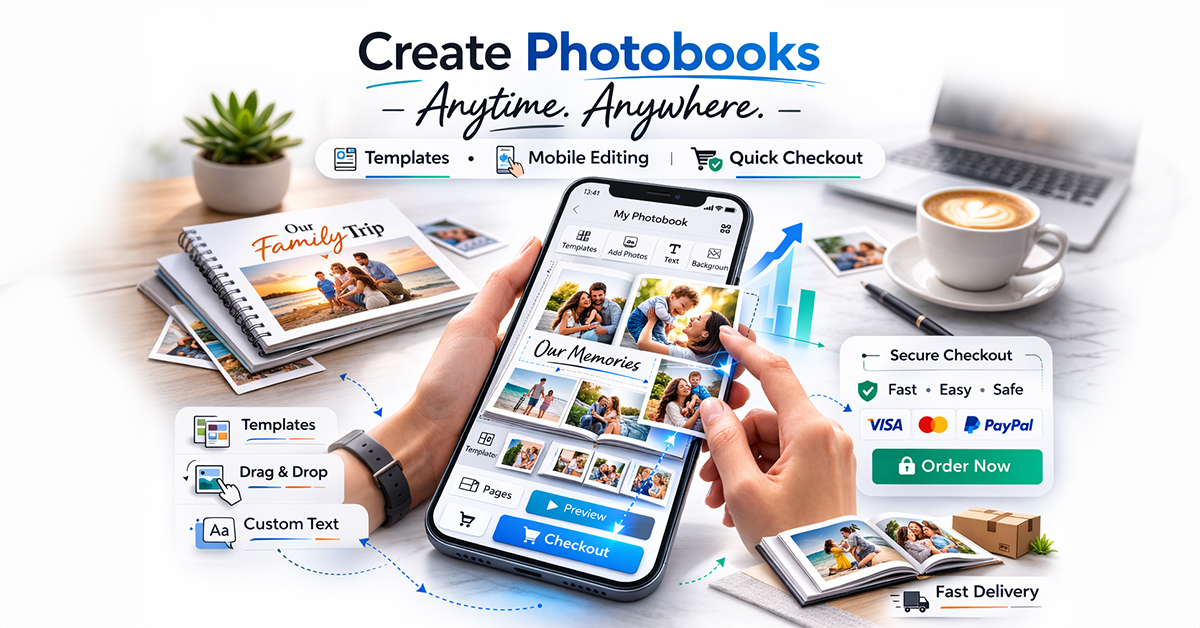
The right photobook software can help photo retailers, photo labs, photographers, and print businesses sell smarter in India, UAE, Malaysia, Singapore, and Indonesia. It is not just about designing albums. It is about reducing friction, improving conversions, supporting mobile users, and giving your business a more efficient way to sell personalized products online.
If you are looking for the best photo album software, focus on a solution that is easy for customers, useful for your team, and flexible enough to support growth across different markets. The strongest solution is the one that helps you move from manual selling to scalable personalization.
Looking for a scalable photobook design software solution? Choose an album maker software platform that lets your customers design online, works across devices, supports your brand, and delivers print-ready output with less manual effort.
EzyCreate’s photobook designer software is positioned exactly around that browser-based, white-label, integrated workflow.
Curious how powerful photo album software can streamline and elevate your business? Schedule an Ezycreate demo to experience the platform firsthand. Have questions? Reach out to our team for a personalized strategic consultation.
FAQ’s About Best Photo Album Software
Q: Which software is best for photo albums?
A: The best photo album software should do more than just help users design pages. It should also support a smooth order journey, clear previews, and print-ready output. That is why many print businesses prefer solutions like EzyCreate, which combine album creation with business workflow support.
Q: What is the best software for organizing photos?
A: The best software for organizing photos helps users keep memories structured and ready for album creation. For businesses, it is even better when the same platform also supports editing and ordering, which is why EzyCreate fits naturally into that process.
Q: How do I organize my 30 years of digital photos?
A: Sort photos by year, event, or family milestone, remove duplicates, and keep only the strongest images for each memory set. Once that is done, a tool like EzyCreate can make it easier to turn those organized memories into a finished album online.
Q: Is there any good free photo album software?
A: Yes, but free tools often have limited features. Businesses usually need more advanced software for branding, editing, and print-ready workflows.
Q: What is the best photo album software for PC?
A: The best photo album software for PC should be easy to use, stable, and capable of helping users create albums efficiently. Many businesses now prefer browser-based tools for more flexibility.
Q: What are the best photo books for professional photographers?
A: Professional photographers usually prefer photo books with premium quality, strong customization, elegant layouts, and reliable print output. A platform like EzyCreate can help photographers offer clients a smoother online design experience while keeping the workflow more efficient.
Q: What are the best photo books online?
A: The best photo books online are usually the ones that combine easy customization, strong print quality, and a smooth ordering process. Customers prefer tools that let them upload photos, edit layouts, preview designs, and order without confusion. Businesses using platforms like EzyCreate can create that kind of user-friendly album buying experience.
Q: What is a digital photo album?
A: A digital photo album is a collection of images arranged in album format online or on a device, often used for viewing, sharing, or preparing for print.