
When you’re starting your print-on-demand business, one of the first big decisions you’ll face is choosing the right eCommerce platform. This choice matters a lot because it will shape how your business runs for a long time. Whether a you sells photobooks, calendars, photo prints, personalized gifts, apparel, or merchandise, the platform behind the store can directly affect growth, operations, and customer experience.
Before you make that decision, it’s important to do some research and that’s exactly why you’re here. In this article, you’ll find a comparison of two of the most popular platforms, Shopify and WooCommerce, to help you figure out which one fits your business best.
We’ll start with a quick look at what each platform offers and which type of business it’s best suited for. Then we’ll dig into the details, like costs, payment options, customization, and scalability, so you can make an informed choice. Plus, we’ll show you how Ezycreate can streamline your print-on-demand workflows and enhance product personalization, no matter which platform you choose.
Ready to dive in? Let’s break down the Shopify vs. WooCommerce showdown!
Shopify vs WooCommerce: A Quick Overview
If you’re new to eCommerce, it’s important to understand what each platform offers and how it can support your print-on-demand store. Both Shopify and WooCommerce are excellent choices, but they serve different types of features, so researching your options helps you choose the right fit for your business.
Let’s take a closer look at Shopify and WooCommerce and explore what each platform offers.
| Factor | Shopify | WordPress + WooCommerce |
|---|---|---|
| Ease of Setup | Very easy to set up, beginner-friendly | Needs hosting, plugin setup, and more configuration |
| Technical Maintenance | Low, Shopify manages hosting, security, and updates | High, user manages hosting, updates, backups, and security |
| Customization Flexibility | Moderate, depends on apps and theme limitations | Very high, open-source and highly customizable |
| Scalability for Standard Ecommerce | Strong, good for growing stores with simple workflows | Strong, but depends on hosting and optimization |
| Scalability for Complex POD Workflows | Good, but may need apps or external tools for advanced logic | Better for complex workflows if properly developed |
| Product Personalization | Possible through apps or software integrations like Ezycreate | Highly flexible with plugins and custom integrations like Ezycreate |
| Design and Theme Control | Easy to manage, but less flexible than WordPress | More control over layout, design, and user journey |
| SEO Capability | Good, but less flexible for advanced control | Excellent, especially for content-heavy SEO strategies |
| Content Marketing | Basic blogging available | Stronger for blogs, landing pages, and content-rich websites |
| App/Plugin Ecosystem | Large app store, easy to install | Huge plugin ecosystem, but quality varies |
| Performance Management | Easier, hosted infrastructure | Depends on hosting quality and optimization |
| Security | Managed by Shopify | User responsibility |
| Ongoing Costs | Monthly subscription + app fees + transaction costs | Hosting + plugins + maintenance + development costs |
| Best For | Brands wanting speed, simplicity, and lower technical effort | Brands wanting control, flexibility, and custom workflows |
| Main Limitation | Less flexible for deep customization | Higher technical effort and maintenance |
| Best POD Use Case | Fast launch of a personalized product store | Advanced POD store with custom logic and content strategy |
Understanding Shopify & WooCommerce for Print-on-Demand Businesses
About Shopify Store Overview
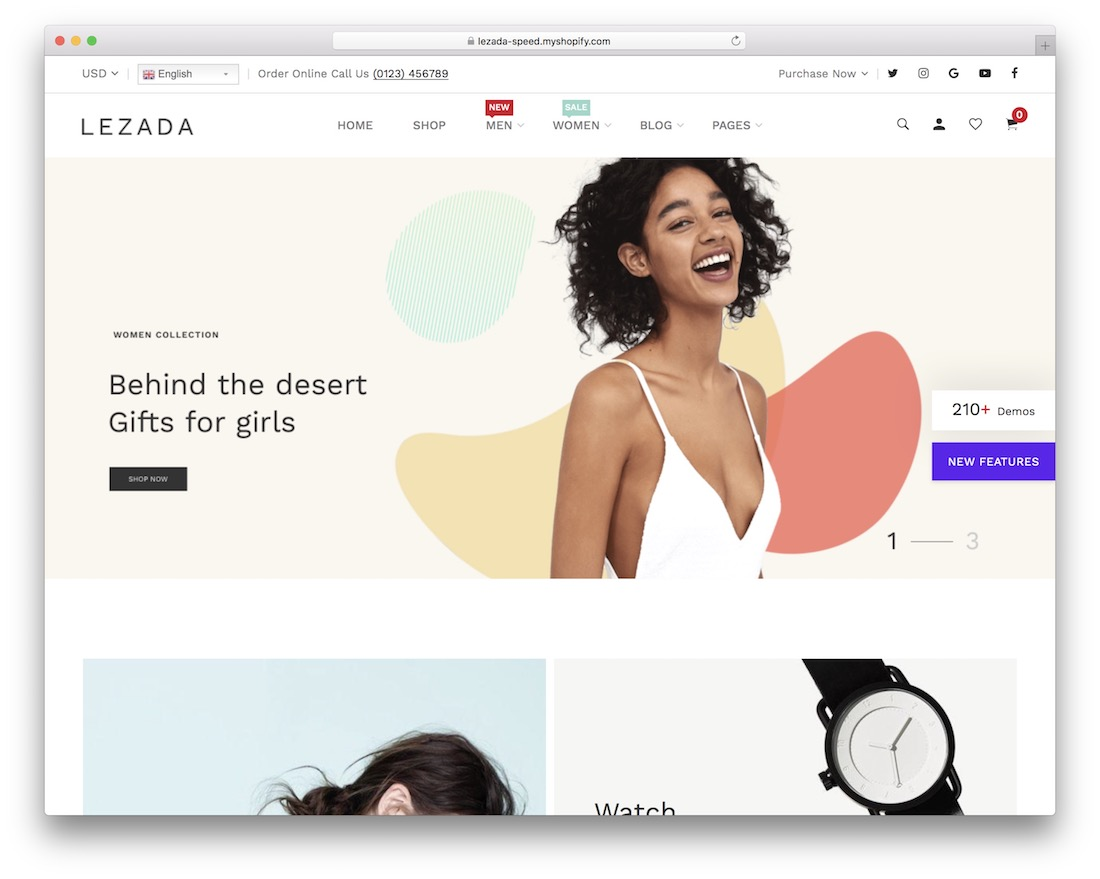
Shopify is a fully hosted eCommerce platform that makes it easy to set up, run, and grow your online store. With Shopify, you get everything you need in one place—hosting, security, payment processing, and even customer support. It’s known for its user-friendly interface, which makes it a great option for beginners.
Shopify is one of the most popular ecommerce platforms in the world and is widely used in the US, powering about 28% of online stores.
Pros:
- Easy to set up and use with minimal technical knowledge required.
- 24/7 customer support.
- Large app marketplace for customization and extending functionality.
- Secure and reliable infrastructure for your online store.
Cons:
- Monthly subscription fees and transaction fees (unless using Shopify Payments).
- Limited customization for more complex workflows without third-party apps.
When Shopify is Ideal for Your Business:
- If you want a quick, hassle-free setup with minimal technical involvement.
- If you need excellent customer support and reliability.
- If you prefer a managed, secure platform that grows with your business without the need for third-party hosting.
About WooCommerce store overview
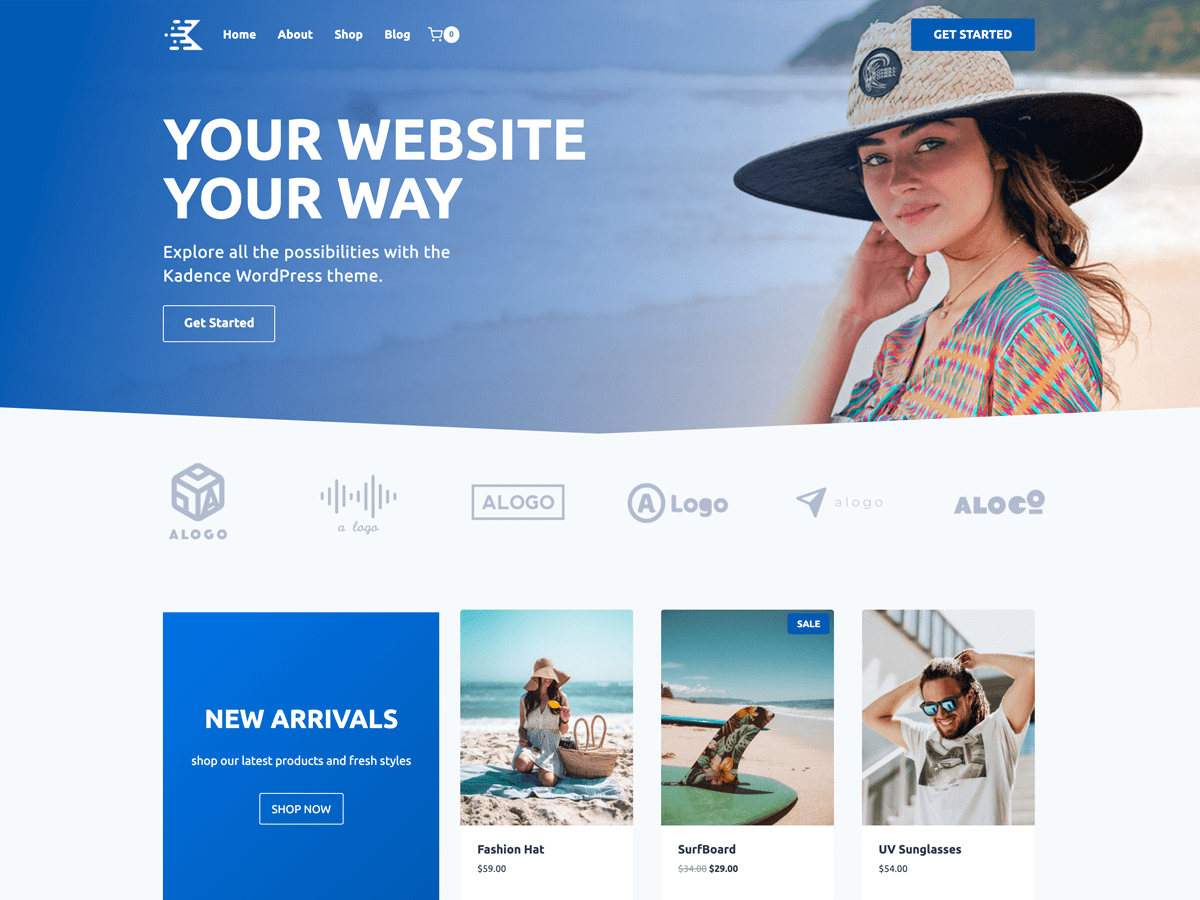
WooCommerce is an open-source plugin for WordPress that transforms your site into a fully customizable online store. Unlike Shopify, WooCommerce requires you to handle your own hosting, domain registration, and security. However, it provides greater flexibility for customization, making it ideal for more advanced users.
Key Features of WooCommerce:
- Open-Source: Complete flexibility and control over every aspect of your store’s design and functionality.
- Customization: Fully customizable with plugins and third-party tools to meet specific business needs.
- Content Management: Seamlessly integrates with WordPress, making it a great choice for businesses that rely on content marketing and SEO.
- Payment Flexibility: Supports multiple payment gateways like PayPal, Stripe, and WooCommerce Payments.
Pros:
- Full control over your store’s features and design.
- Large variety of themes and plugins for customization.
- Cost-effective, especially for businesses already using WordPress.
Cons:
- Requires technical knowledge to set up and maintain.
- No built-in customer support; depends on third-party hosting services.
- Ongoing maintenance for updates, security, and hosting.
When WooCommerce is Ideal for Your Business:
- If you want full control over your store’s customization and features.
- If you already use WordPress and want a seamless integration.
- If your business needs advanced customization, unique workflows, and heavy SEO-driven marketing.
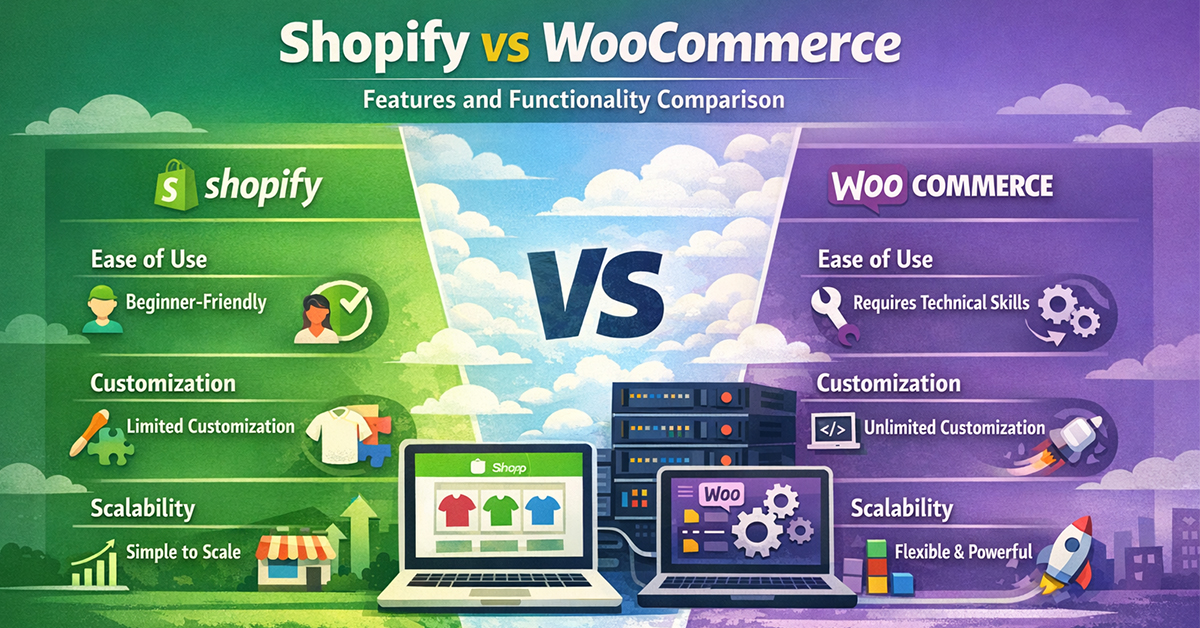
Shopify vs WooCommerce: Features and Functionality Comparison
Ease of Use
- Shopify is incredibly user-friendly, designed for those who don’t want to deal with technical tasks like hosting, security, and website maintenance. It’s a great choice for beginners.
- WooCommerce gives you more control but requires technical knowledge for things like hosting setup, SSL certificates, and plugin installation. It’s more suited for advanced users or those with some development skills.
Customization and Control
- Shopify offers easy-to-use themes and apps but can be limiting if you want to deeply customize your store. For advanced customization, you may need to rely on third-party apps or developers.
- WooCommerce provides unlimited customization options through themes, plugins, and custom coding. If you need a unique store with specialized features, WooCommerce is the better choice.
Scalability
- Shopify scales smoothly, especially for businesses that want a straightforward, hassle-free growth path. As your business grows, you can upgrade your plan for more features, but be mindful of the additional costs.
- WooCommerce also scales well, but it requires more technical setup to handle large volumes of traffic and orders. The flexibility of WooCommerce means it can handle complex workflows as your business grows, but it might need more development time.
Costs: Shopify vs WooCommerce
Shopify Pricing
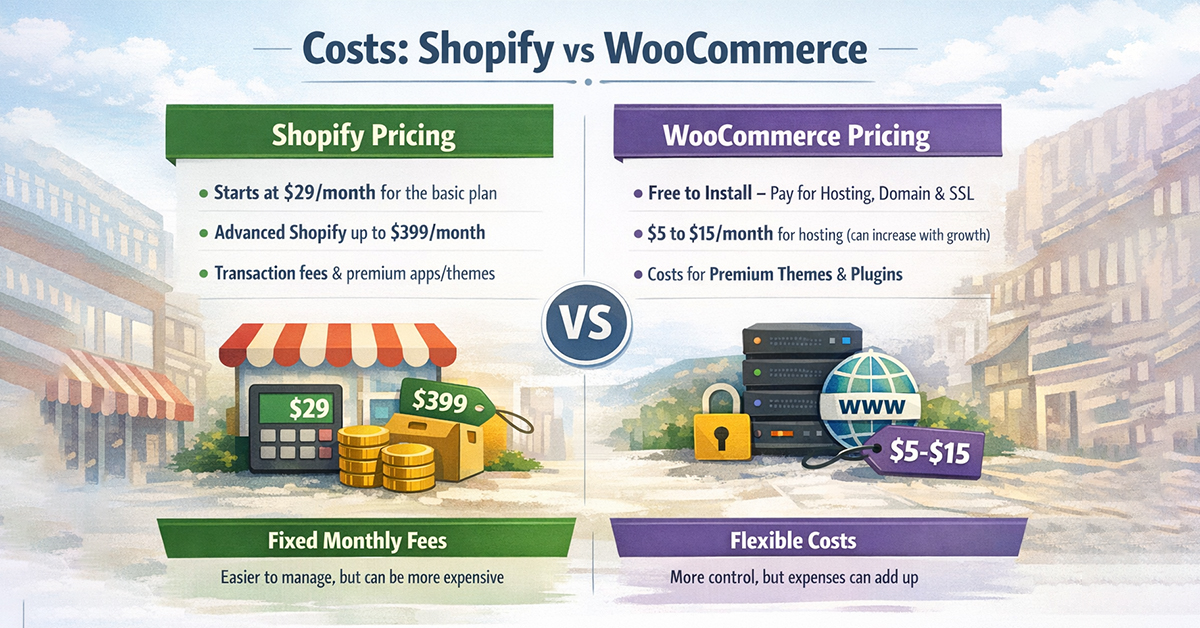
- Shopify’s pricing starts at $29/month for the basic plan, which includes all the essentials you need to get started. As your business grows, you can upgrade to more advanced plans, with the Advanced Shopify plan costing up to $399/month.
- Additional costs include transaction fees (unless using Shopify Payments) and any premium apps or themes you may need for customization.
WooCommerce Pricing
- WooCommerce is free to install, but you will need to pay for hosting, a domain name, SSL certificate, and any premium themes or plugins. Hosting costs typically start around $5 to $15/month, but as your store grows, you may need more powerful hosting, which can raise the price.
- Although WooCommerce has no monthly subscription fees, ongoing costs for hosting and plugins can add up. However, it offers greater flexibility to control your expenses based on what features you need.
Payment Options and Integration
Shopify Payment Processing
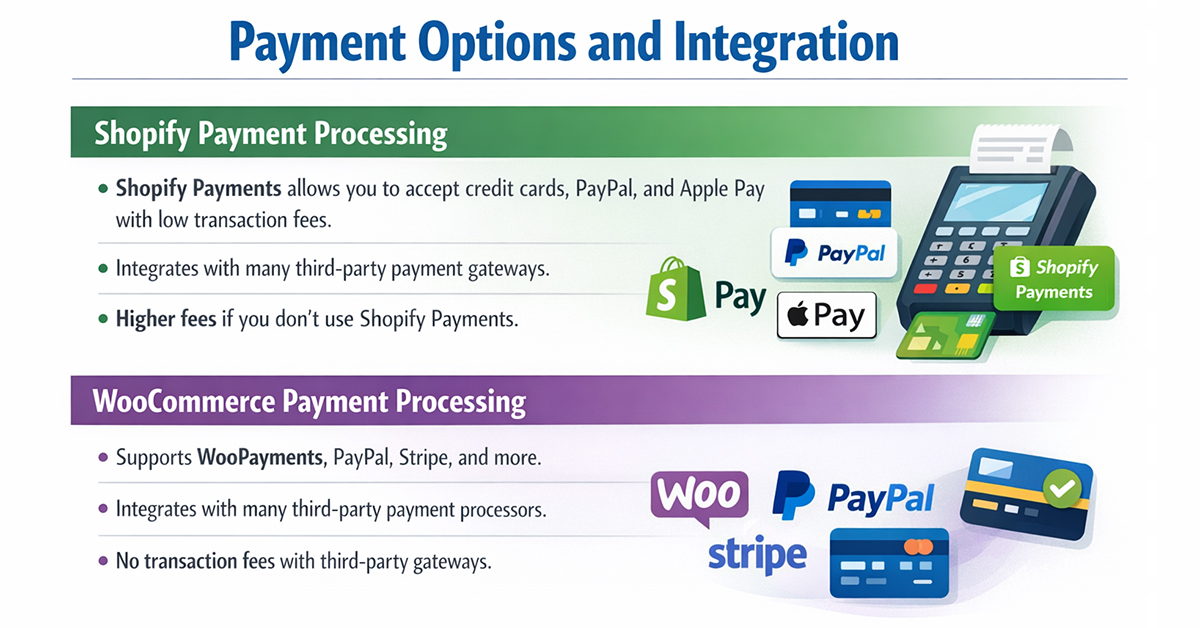
- Shopify Payments allows you to accept a variety of payment methods, including credit cards, PayPal, and Apple Pay, with low transaction fees if you use Shopify Payments.
- Shopify also integrates with many third-party payment gateways but charges higher transaction fees if you don’t use Shopify Payments.
WooCommerce Payment Processing
- WooCommerce offers a wide range of payment gateways, including WooPayments, PayPal, Stripe, and others. While WooCommerce Payments is a good option, you can also integrate with various third-party payment processors.
- One of the key advantages of WooCommerce is that it doesn’t charge transaction fees if you use a third-party payment gateway, giving you more freedom to choose the most cost-effective options.
Shopify vs WooCommerce: Which One is Better for Print-on-Demand?
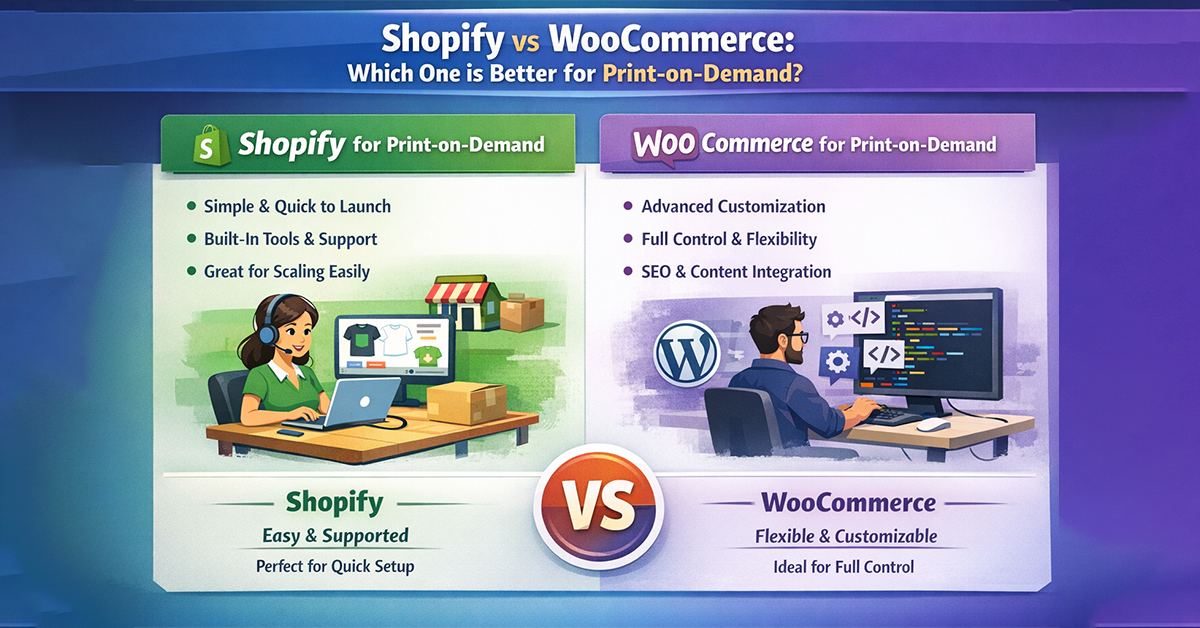
When it comes to print-on-demand businesses, both Shopify and WooCommerce can handle the job. The best platform for your business depends on what you prioritize:
- Shopify is ideal for businesses that want a simple, quick-to-launch solution with built-in tools and support. It’s especially suited for entrepreneurs who don’t want to deal with technical details but still want to scale their POD business smoothly.
- WooCommerce offers more control and flexibility, making it a better choice for businesses that need advanced customization, complex workflows, or a tight integration with content marketing and SEO.
- If you need a quick and simple setup with excellent support, Shopify is the way to go. But if you’re looking for full control, customization, and scalability, WooCommerce may be a better fit.
Why Ezycreate is the Best Tool for Print-on-Demand Success
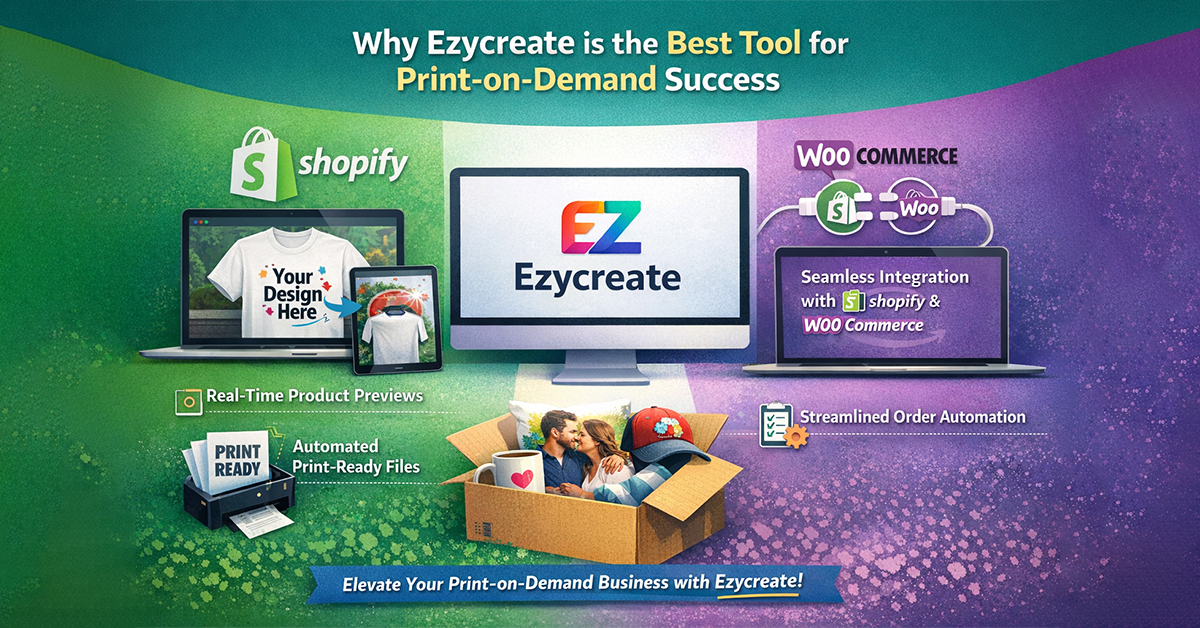
Regardless of whether you choose Shopify or WooCommerce, Ezycreate is the perfect tool to enhance your print-on-demand store. Ezycreate integrates seamlessly with both platforms to help you automate your product personalization, manage workflows, and offer real-time product previews.
How Ezycreate Can Help:
- Product Personalization: Let your customers design products in real-time with instant previews.
- Automated Workflows: Ezycreate automates the entire order process, from product creation to fulfillment.
- Seamless Integration: Works smoothly with both Shopify and WooCommerce, ensuring your print-on-demand business scales without manual effort.
Ezycreate’s Software for Your Print-on-Demand Business
- Photobooks Designer Software: Let your customers design personalized photobooks with instant previews. A great way to offer custom keepsakes.
- Prints Designer: Easily create and sell custom wall art, posters, and canvas prints with real-time previews.
- Custom Products: Offer personalized gifts, clothing, and accessories with Ezycreate’s seamless integration.
- Calendars Making Software: Let customers design their own calendars with photos and preview them instantly. Perfect for gifts or personal use.
Final Verdict: Shopify or WooCommerce for Your POD Business?
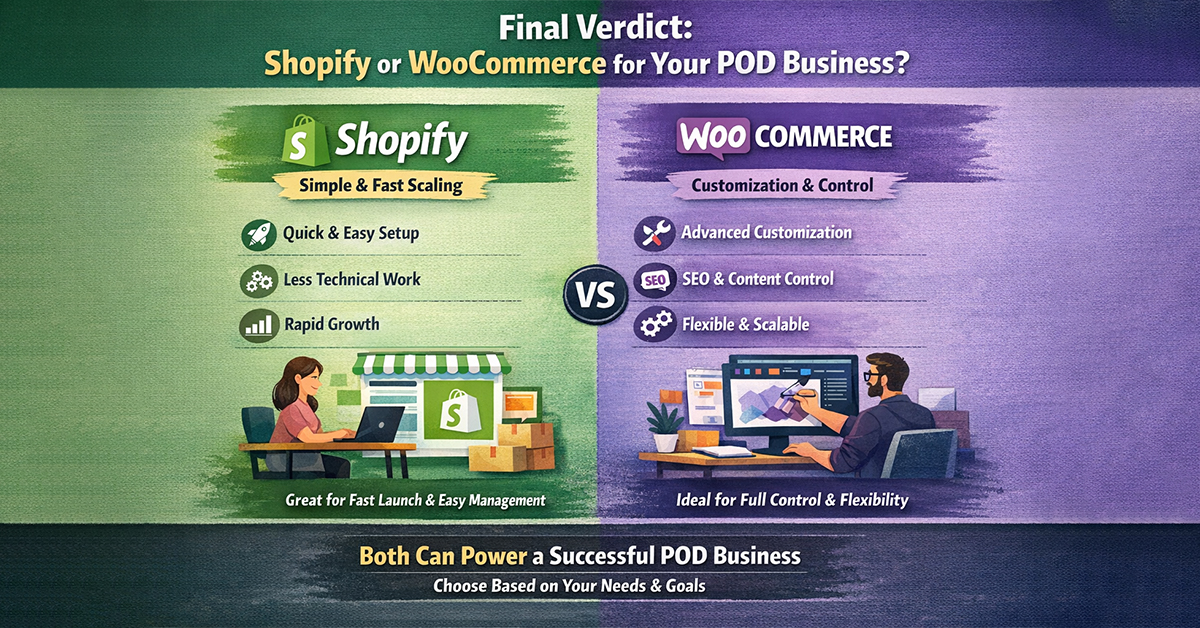
The choice between Shopify and WooCommerce comes down to your business’s needs. Shopify is great for a simple, no-fuss setup with fast scalability. On the other hand, WooCommerce is ideal for businesses that need more control and customization. Ultimately, both platforms can support a thriving print-on-demand business, but the right choice depends on your technical skills, growth strategy, and budget.
FAQs: Shopify vs WooCommerce for Print-on-Demand
Q: Is Shopify Better Than WooCommerce?
A: Shopify is easy to set up, simple to use, and includes built-in support, making it ideal for beginners. WooCommerce offers more customization and flexibility but requires technical knowledge and separate hosting. In short, Shopify is better for simplicity, while WooCommerce is better for control and customization. The best choice depends on your needs and technical skills.
Q: Which platform is better for beginners?
A: Shopify is the better option for beginners as it is easy to set up and manage without needing much technical expertise.
Q: What Are the Pros and Cons of Shopify vs WordPress for Print on Demand?
A: Shopify is easy to use and quick to set up, with built-in hosting, security, and support, making it ideal for beginners. WordPress (WooCommerce) offers more customization and control over your store but requires technical knowledge and ongoing maintenance. In short, Shopify is best for simplicity, while WordPress is better for flexibility and customization.
Q: Can I use WooCommerce for large-scale POD businesses?
A: Yes, WooCommerce can handle large-scale POD businesses, especially if you need deep customization or advanced product workflows.
Q: Does Ezycreate work with Shopify and WooCommerce?
A: Yes, Ezycreate integrates seamlessly with both platforms to enhance product personalization and streamline workflows.
Quick Summary Table
| If you want… | Better Choice |
| Faster launch | Shopify |
| Less technical work | Shopify |
| More customization | WordPress + WooCommerce |
| Stronger SEO/content control | WordPress + WooCommerce |
| Easier store management | Shopify |
| More control over workflows | WordPress + WooCommerce |
| Simple POD growth | Shopify |
| Complex POD scaling | WordPress + WooCommerce + Ezycreate |
Ready to scale your print-on-demand business? Whether you choose Shopify or WooCommerce, Ezycreate is here to help you enhance product customization and automate your order management.
Start offering your customers real-time design previews, automate order management, and streamline your entire print-on-demand process today.
Get started with Ezycreate now and unlock the full potential of your online store!
Book a Demo