
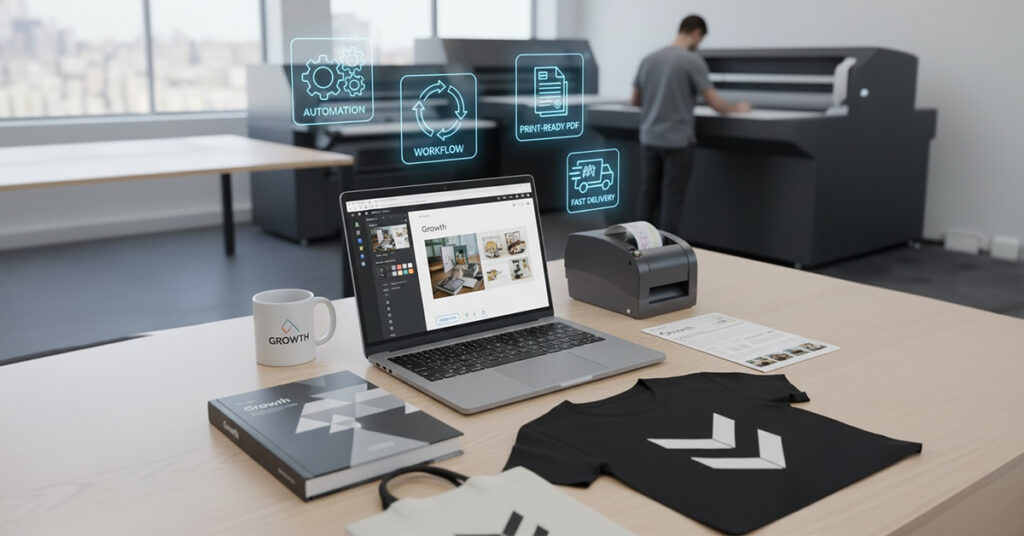
The web to print industry is booming. Customers today expect instant personalization, online ordering, fast delivery, and print-ready accuracy — all without delays or back-and-forth design corrections.
For print businesses, photo labs, merchandise companies, and corporate gifting vendors, this growth is a huge opportunity. But to take advantage of it, you must know how to scale your web to print business the right way.
Scaling isn’t only about adding more products. It’s about building systems, automation, and workflows powered by the right web-to-print software so you can grow without increasing your workload or cost.
This guide will show you the strategies, tools, and systems you need to scale efficiently while boosting your profits and giving customers a better experience using modern web-to-print technology and platforms like EzyCreate.
Valuable read: If you’re just getting started, first understand the basics in our guide to what print-on-demand is and how EzyCreate makes it simple before diving into scaling your web-to-print business.
1. Introduction: Why Scaling Your Web-to-Print Business Matters Now

The web-to-print industry is transforming the way printing businesses operate. Today, clients—from photographers to corporates—want instant personalization, fast delivery, and a smooth online ordering experience.
But traditional workflows based on manual artwork correction and repeated approvals create delays, errors, and high labor costs. By adopting a scalable web-to-print platform and structured processes, businesses can automate workflows, reduce dependency on manual work, and serve more clients with higher efficiency.
The demand for personalized printing is exploding across industries:
- Photo labs
- Print shops
- Sublimation businesses
- Merchandise sellers
- Corporate gifting vendors
- Schools & event teams
Yet many of these still rely on outdated processes instead of a modern custom web to print solution.
But traditional workflows still rely on:
- Manual artwork creation
- Repeated corrections
- WhatsApp approvals
- Slow production
- Inventory challenges
A robust web-to-print software setup like EzyCreate transforms this by offering:
✔ Online personalization
✔ Automated print-ready file generation
✔ Real-time previews
✔ Smooth online orders
✔ Bulk and repeat order workflows
If you want to grow revenue, serve bigger clients, and reduce operational pressure — scaling your web-to-print business with the right technology is essential.
2. Build a Strong Web to Print Foundation
Scaling begins with establishing a solid foundation:
- A branded online storefront where your customers can personalize products
- An online web-to-print editor that simplifies customization
- Templates that ensure accuracy and consistency
When these elements are in place, your business grows faster because the number of orders no longer depends on your design team’s bandwidth. Your growth depends on the strength of your web-to-print platform, not on manual effort.
A scalable web-to-print system must have:
- An online editor
- A branded storefront
- Template-based design methods
- Automated order-to-print workflows
This ensures you’re not dependent on DTP artists, manual files, or slow approvals. Instead, your custom web-to-print software becomes the engine that drives growth.
3. Automate Your Artwork & Order Workflow

Automation is the heart of scaling. With the right POD/web-to-print system:
- Customers personalize products online
- Print-ready files are generated instantly
- Artwork errors disappear
- Manual touchpoints reduce
Impact:
1. 30–60% reduction in design workload
2. Faster delivery without extra staff
3. Higher customer satisfaction
Modern web-to-print software lets customers design using an online editor, approve proofs instantly, and send jobs straight to production — turning a slow, manual process into a seamless, automated pipeline.
4. Add High-Demand, High-Margin Products
Scaling requires a robust and diverse product catalog. Focus on adding items that are both high in demand and high in margins—such as photobooks, mugs, apparel, corporate merchandise, and premium photo prints.
These products encourage repeat purchases and help your web-to-print business grow without major infrastructure upgrades.
To scale revenue, add products that are:
- Fast to produce
- Easy to customize
- High repeat demand
- Good margins
Examples:
- Photobooks
- Canvas and wall art
- Prints
- Mugs
- T-shirts
- Corporate gift boxes
- Journals, notebooks
- Event merchandise
More products = higher AOV + higher repeat orders, especially when paired with a powerful web-to-print online designer that makes customization easy.
5. Improve Personalization & Live Preview

Customer experience is central to scaling. When buyers can see live previews of their personalized product—whether it’s a mug, photobook, or T-shirt—they are more confident in their purchase.
A smooth and mobile-friendly online web-to-print editor increases conversions and lowers support requests.
Customers expect:
- Real-time personalization
- Accurate product previews
- Mobile-friendly editing
- No hidden steps
The better your personalization experience, the higher your conversion and repeat orders. This is where choosing the best web-to-print software (for your segment and product range) makes a visible difference.
6. Strengthen B2B Relationships With Custom Portals
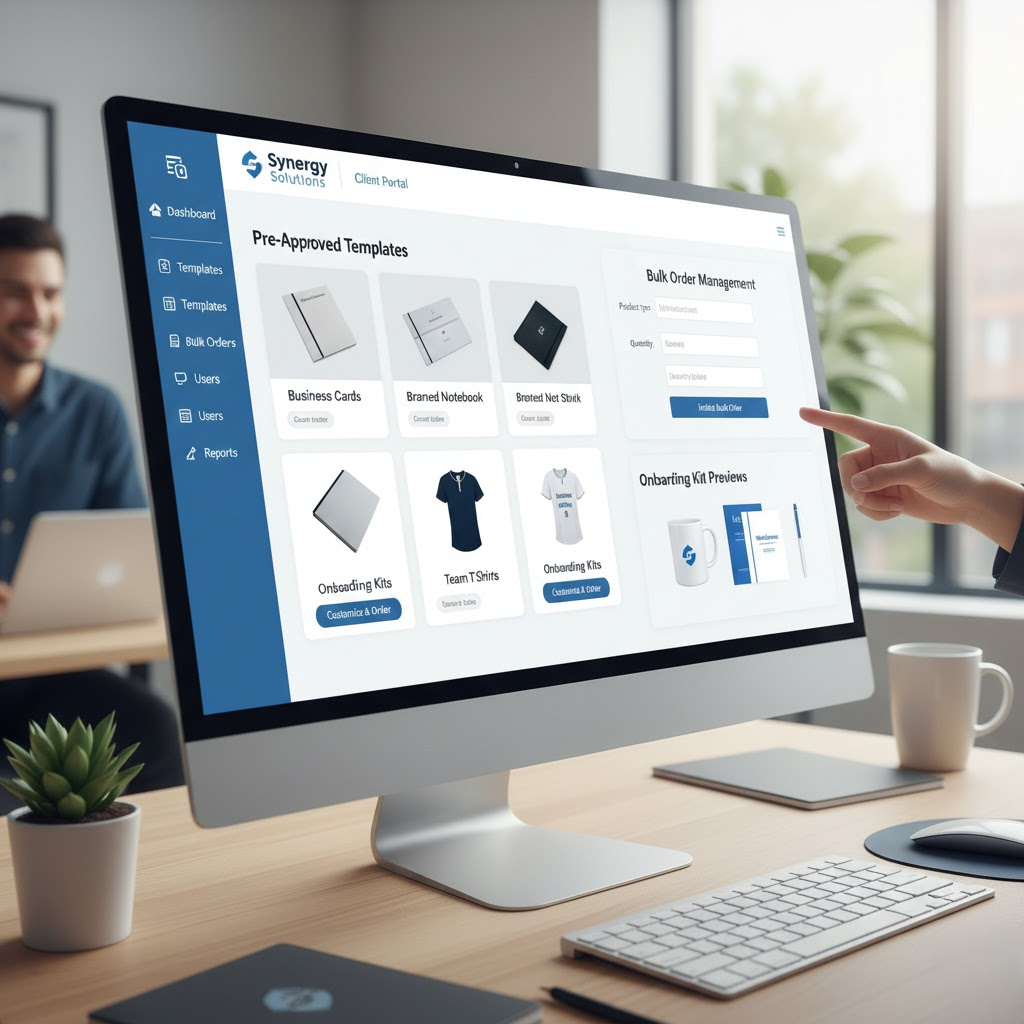
B2B growth requires strong relationships and repeat ordering. Offer corporates, schools, and event vendors their own branded portals powered by your custom web-to-print solution, with pre-approved designs.
This allows them to order merchandise, onboarding kits, or event materials repeatedly—efficiently and independently—making them long-term clients. Scaling means capturing B2B clients, not just individual customers.
Offer corporate clients:
- Their own branded ordering portal
- Pre-approved templates
- Bulk ordering system
- Recurring monthly/quarterly orders
- Team merchandise
- Event merchandise
When your web-to-print platform handles approvals, artwork, and ordering in one place, you reduce their manual work and lock them into your ecosystem.
7. Optimize Production for Speed & Accuracy
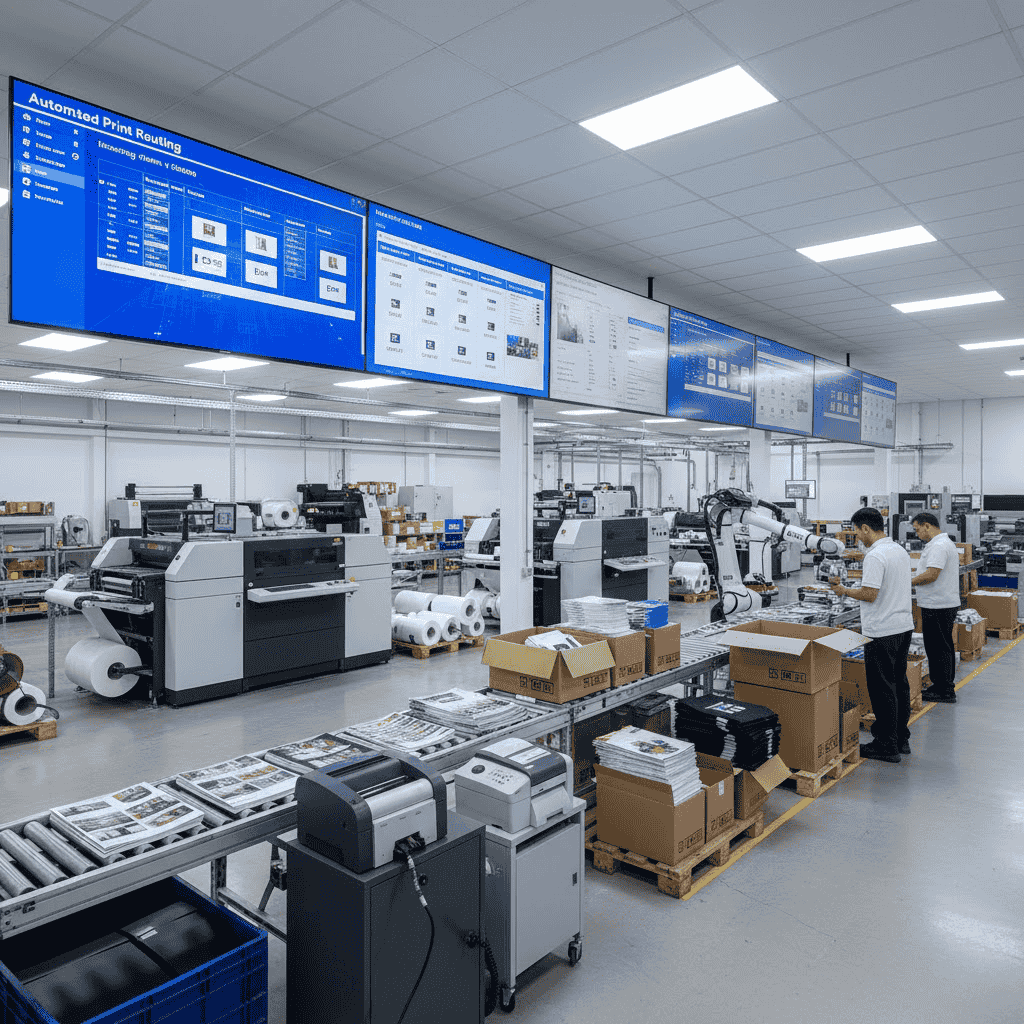
Scaling is impossible without streamlined production. Use automated routing systems, print-ready file queues, and auto-generated labels to shorten production time.
When machines receive error-free files from your web-to-print software, your team spends less time fixing issues and more time fulfilling orders. Production delays can quietly kill growth.
To scale:
- Print-ready files must be accurate.
- Routing must be automated.
- Packing slips & labels should auto-generate.
- Machines should receive files directly.
- QC should be simplified
Outcome:
1. Faster production
2. Fewer errors
3. More orders per day
8. Expand With Integrations (Shopify, WooCommerce & APIs)
Don’t depend on a single storefront. Integrate your web-to-print platform with Shopify, WooCommerce, Etsy, and other marketplaces via APIs.
This allows you to accept orders from multiple sources seamlessly—giving you more volume without manual data entry. Do not depend on a single storefront.
Expand with:
- Shopify integration
- WooCommerce plugin
- Zapier/API connections
- Marketplace listings
- Reseller portals
Each integration turns your web-to-print business into a multi-channel engine where your web-to-print software quietly powers everything in the background.
Every integration = a new revenue channel.
9. Build Repeat Revenue Streams
To scale sustainably, build relationships with customers who place recurring orders. Schools need yearbooks, ID cards, and event prints. Corporates need onboarding kits and team merchandise. Photographers order photobooks weekly. Creators launch new merch drops.
These segments fuel continuous income throughout the year. Scaling requires predictable monthly income.
Ways to build repeat revenue:
- Schools (yearbooks, IDs, event photos)
- Corporates (swag, onboarding kits, awards)
- Photographers (weekly photobook orders)
- Creators (merchandise)
- Bulk resellers
- Event vendors
These clients order again and again.
Your custom web-to-print software should make it easy for these clients to reorder in a few clicks, without needing you on every email or WhatsApp message.
10. Enhance Customer Experience

Customer experience directly impacts growth. When clients enjoy smooth ordering, quick delivery, and consistent quality, they return with larger orders and more frequent jobs.
A good customer experience reduces refunds, increases referrals, and strengthens your brand. Customer experience = long-term growth.
Enhance with:
- Mobile-first ordering
- Quick delivery timelines
- Automated order tracking
- Clear communication
- High-quality print consistency
Happy customers return with bigger orders.In a competitive market, the best web-to-print software is not just feature-rich—it helps you deliver a frictionless experience your competitors can’t easily match.
11. Track Metrics That Drive Profit
Scaling requires data-driven decision-making. Track metrics such as AOV, design time per product, abandoned carts, and production speed.
These insights help you optimize operations, choose winning products, and improve profitability.
To scale smartly, monitor:
- Cost per order
- Design time per product
- Production turnaround
- AOV (Average Order Value)
- Repeat order rate
- Top-selling products
- Abandoned carts
Your web-to-print software or analytics layer should give you visibility into these metrics so you know where to expand and where to improve.
12. Final Takeaway
Scaling your web-to-print business is not about expanding your team but about building efficient systems that allow your business to grow automatically.
With automation, integrations, and a strong product catalog, you can serve more customers, increase revenue, and reduce operational stress.
A well-built web-to-print ecosystem lets you:
✔ Reduce manual tasks
✔ Lower operations cost
✔ Serve more customers
✔ Add more product lines
✔ Grow revenue predictably
If you invest in the right web-to-print platform and processes today, your web-to-print operation can scale from a local print shop into a multi-channel, multi-product growth engine.
Stop Hustling. Start Scaling with EzyCreate.
Automate artwork, approvals, and order-to-print workflows with EzyCreate’s custom web-to-print solution so your team can focus on production and sales—not fixing files.
If you’d like to see how it works for your business, contact our team for a free web to print demo.
👉 Get Started with EzyCreate Web to Print
FAQ’s
1. What is a web to print business?
A web-to-print business lets customers personalize and order print products online using a web-to-print platform instead of manual artwork and email approvals.
2. How does web-to-print software help my print business scale?
Modern web-to-print software automates artwork creation, generates print-ready files, and connects orders to production, so you can handle more volume without adding more staff.
3. What is the difference between web-to-print and traditional printing?
Traditional printing relies on manual artwork, WhatsApp approvals, and offline orders. Web-to-print uses an online storefront and editor where customers design, approve, and place orders digitally.
4. What features should I look for in web-to-print software?
Look for a web-to-print platform with an online editor, real-time previews, templates, automated print-ready files, order routing, and integrations with Shopify, WooCommerce, or your MIS.
5. Can I use EzyCreate as a custom web-to-print solution?
Yes. EzyCreate can be used as a custom web-to-print solution, offering a branded storefront, template-based products, an online designer, and automation for B2C and B2B clients.
6. What is an online web-to-print editor?
An online web-to-print editor is a browser-based design tool that lets customers customize products, add photos and text, and see live previews before placing an order.
7. Is web-to-print only for photo labs and print shops?
No. Web-to-print works for photo labs, commercial printers, merchandise sellers, sublimation units, corporate gifting vendors, schools, and any business offering personalized print products.
8. How do integrations like Shopify or WooCommerce help my web-to-print business?
Integrations let your web-to-print software pull orders directly from Shopify, WooCommerce, or marketplaces, so you manage all designs and production in one central system.
9. When should I invest in a web-to-print platform like EzyCreate?
You should consider EzyCreate web-to-print software when manual artwork, repeated corrections, and scattered orders start limiting your growth, turnaround time, or ability to handle B2B clients.
10. What is the best web-to-print solution?
The best web-to-print solution is one that’s easy to use, highly automated, and scalable for B2C and B2B orders—and EzyCreate is built exactly for that.