
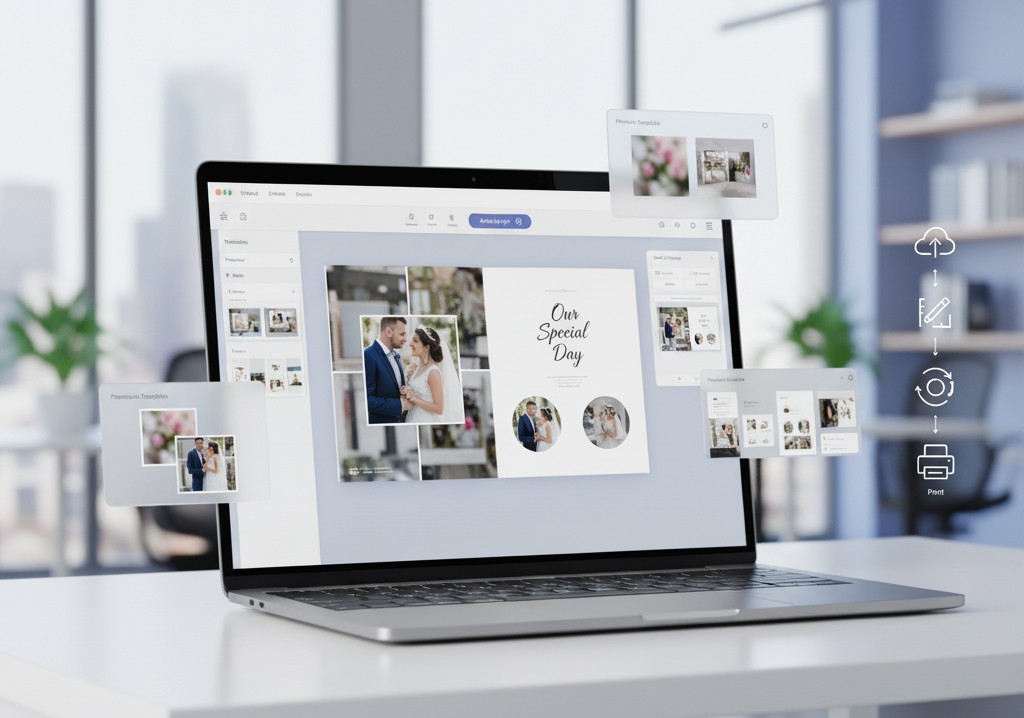
In today’s competitive market, choosing the best photo album maker software is crucial for printing businesses aiming to create high-quality, customizable photobooks. Whether you’re a photographer, corporate printer, or POD business, the right photo album software can streamline your workflow, increase efficiency, and help you stay ahead of the competition.
This guide will explore the essential features to look for in album design software and photo album creator tools to enhance your business printing operations and drive success.
Why the Right Photo Album Software Matters
The demand for personalized photobooks and albums has skyrocketed — from wedding photographers and design studios to schools, corporates, and creative entrepreneurs. As customers expect high-quality designs, faster delivery, and mobile-friendly experiences, printing businesses must adopt smart, automated software that bridges creativity and production.
Modern photo album software doesn’t just create layouts — it helps your business save time, reduce errors, and deliver print-ready results in just a few clicks. With the right album design software, you can offer customers the best photo album software to streamline your workflow and enhance the customer experience.
Whether you’re a photographer, a corporate, or a creative entrepreneur, investing in album designer software will empower you to create stunning personalized albums while saving both time and effort. Photo album creators need to choose software that balances ease of use and advanced design capabilities. As the demand for business printing services grows, the right tools will ensure your business stays competitive and meets customer expectations with photo album creator solutions that are both efficient and intuitive.
Key Features to Look for in the Best Photo Album Maker Software
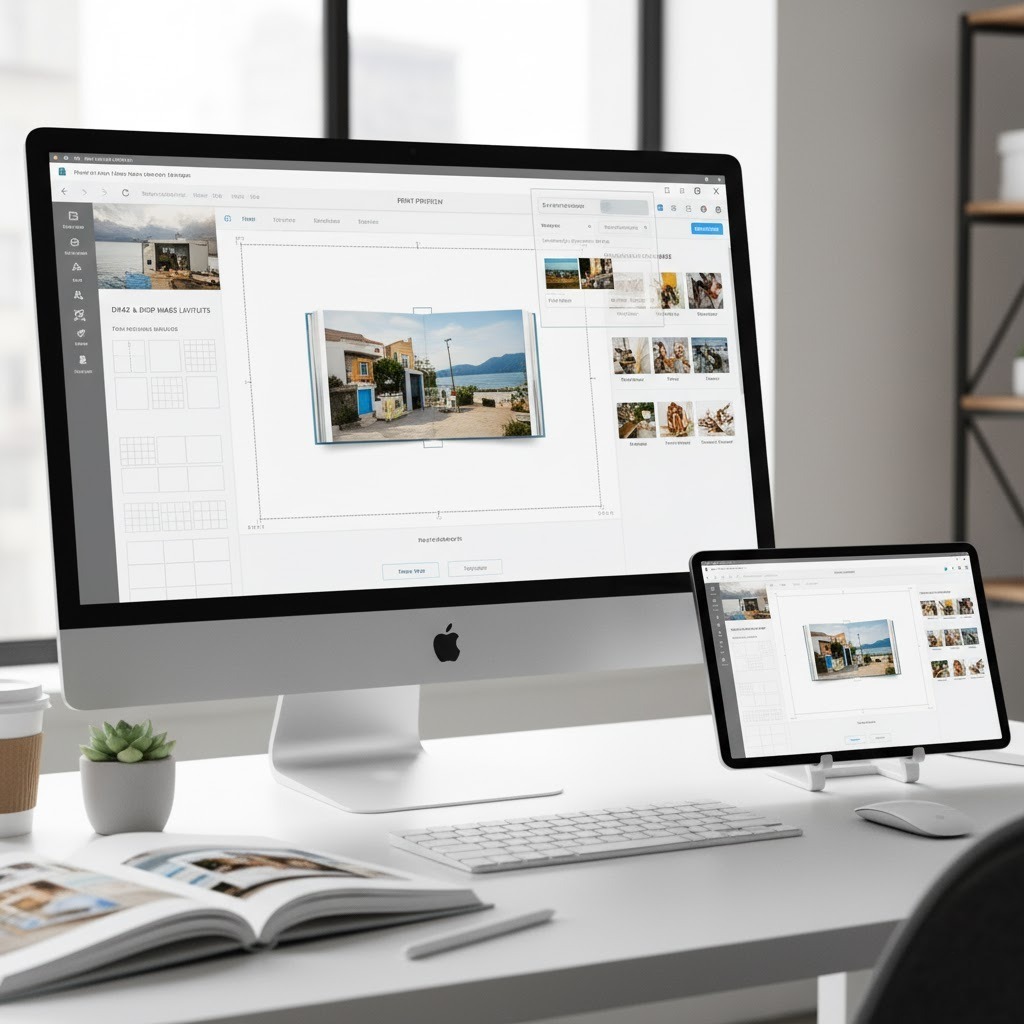
Before choosing a photo album software for your business, here are the must-have capabilities to ensure seamless design-to-print workflow:
- Easy Drag & Drop Layouts: Build custom spreads, collages, and templates effortlessly.
- Multiple Cover Options: Offer softcover, hardcover, and lay-flat variants.
- Cloud Save & Resume Editing: Let users continue their project anytime.
- Mobile & Tablet Friendly: Enable clients to design albums from any device.
- Real-Time Preview: Ensure accurate alignment, bleed, and print readiness.
- E-commerce Integration: Sync with your website or online store for instant order flow.
- White Label Capability: Add your logo, domain, and brand theme.
- Automated Order Processing: From customer upload to production in one click.
These features transform a basic editor into a complete SaaS printing solution designed to streamline business printing operations and elevate the customer experience.
How EzyCreate Photobook Designer Softcover Simplifies It All

EzyCreate’s Photobook Designer softcover is built for printing businesses, photo labs, and creative brands that want to scale without building technology from scratch.
It helps you launch custom photobooks, automate production, and white label the entire experience — so your customers see your brand, not your backend partner.
With EzyCreate photobook software, you can streamline your photo album creation process, reduce errors, and increase productivity. Whether you’re a business printing service or a print-on-demand (POD) provider, Photobook Designer helps you produce high-quality, print-ready albums efficiently.
What Makes It Stand Out:
- Ready-to-use template library for events, weddings, schools, and corporate albums.
- Cross-device editing — customers can start on a phone and finish on desktop.
- Instant print-ready file generation — saves production time.
- White label branding — use your logo, colors, and domain.
- Auto-order sync to your fulfillment system — no manual intervention.
- Supports bulk and B2B printing workflows.
Use Cases for Printing Businesses & Partners

Photo album software unlocks new revenue opportunities for multiple segments:
- Photography Studios: Let clients customize wedding or event albums directly from your branded portal.
- Schools & Yearbooks: Create digital templates for schools to design and order yearbooks seamlessly.
- Corporate Merch & Events: Offer branded photobooks as employee milestones or event memorabilia.
- Creators & Artists: Transform artwork or photo collections into printed coffee-table books.
- E-commerce Printers: Add photobooks as a new on-demand product category.
How to Scale Your Printing Business with Photo Album Automation

Scaling a printing business means balancing personalization and efficiency. With EzyCreate’s SaaS platform, automation handles repetitive steps like:
- File conversion and print setup
- Product and order mapping
- Automated workflow routing
- Real-time order tracking and analytics
By using automated photobook software and photo album creator tools, you can serve hundreds of customers simultaneously. Moreover, you can maintain full brand control, ensure fast delivery, and uphold high production quality.
Pro Tip: Combine photobooks with complementary products like calendars, wall frames, and magnets to increase your average order value and maximize revenue in your print-on-demand (POD) and business printing workflow.
Trends Shaping the Future of Photo Album Software

The photo album software industry is changing quickly as technology improves and customer expectations grow. Here are the key trends shaping its future:
- AI-Assisted Layout Design – Intelligent templates that auto-arrange photos for faster creation.
- Sustainable Materials – Eco-friendly paper and packaging options for conscious customers.
- Hybrid Experiences – Digital + print albums for online sharing and keepsake printing.
- Mobile-First Tools – Simplified album editing on mobile browsers.
- White Label Expansion – More printers launching branded SaaS portals under their own name.
Final Thoughts: Build Smarter, Print Faster
Choosing the right photo album software isn’t just a tech decision — it’s a growth strategy. For printing businesses, the right SaaS platform means:
- Faster turnaround times
- Consistent branding
- Happier customers
- Scalable automation
With EzyCreate Photobook Designer, you can create, sell, and deliver beautiful photobooks — without managing design or print complexity.
Your photos. Your brand. Your success — powered by EzyCreate.
Get started today and see how EzyCreate can streamline your photobook creation process. Try it now!
Frequently Asked Questions About Photo Album Software
1. What is the best photo album software for printing businesses?
EzyCreate is one of the best for printing businesses, offering custom photobooks, automated design tools, and easy integration with existing systems.
2. Can I integrate EzyCreate with my existing printing website?
Yes, our platform supports seamless integration with WordPress, Drupal, and custom eCommerce setups.
3. Do I need design expertise to use the Photobook Designer?
No, it’s built for all users, with easy templates and auto-layout tools.
4. Can I use photobook software on mobile devices?
Absolutely. The EzyCreate tool is responsive across devices, making photobook creation accessible on smartphones and tablets anytime, anywhere.
5. Can I offer my clients a white label version?
Yes, EzyCreate offers full white label capability so your brand stays in the spotlight.
6. How does white-label photobook software work?
With white-label photo album software, you can customize the platform with your own branding and offer personalized photobooks to clients under your name.
7. How can photo album software help with business automation?
It automates tasks like file conversion, print setup, and order processing, streamlining custom photobooks production for greater efficiency.